55
Using the Notebook PC 4
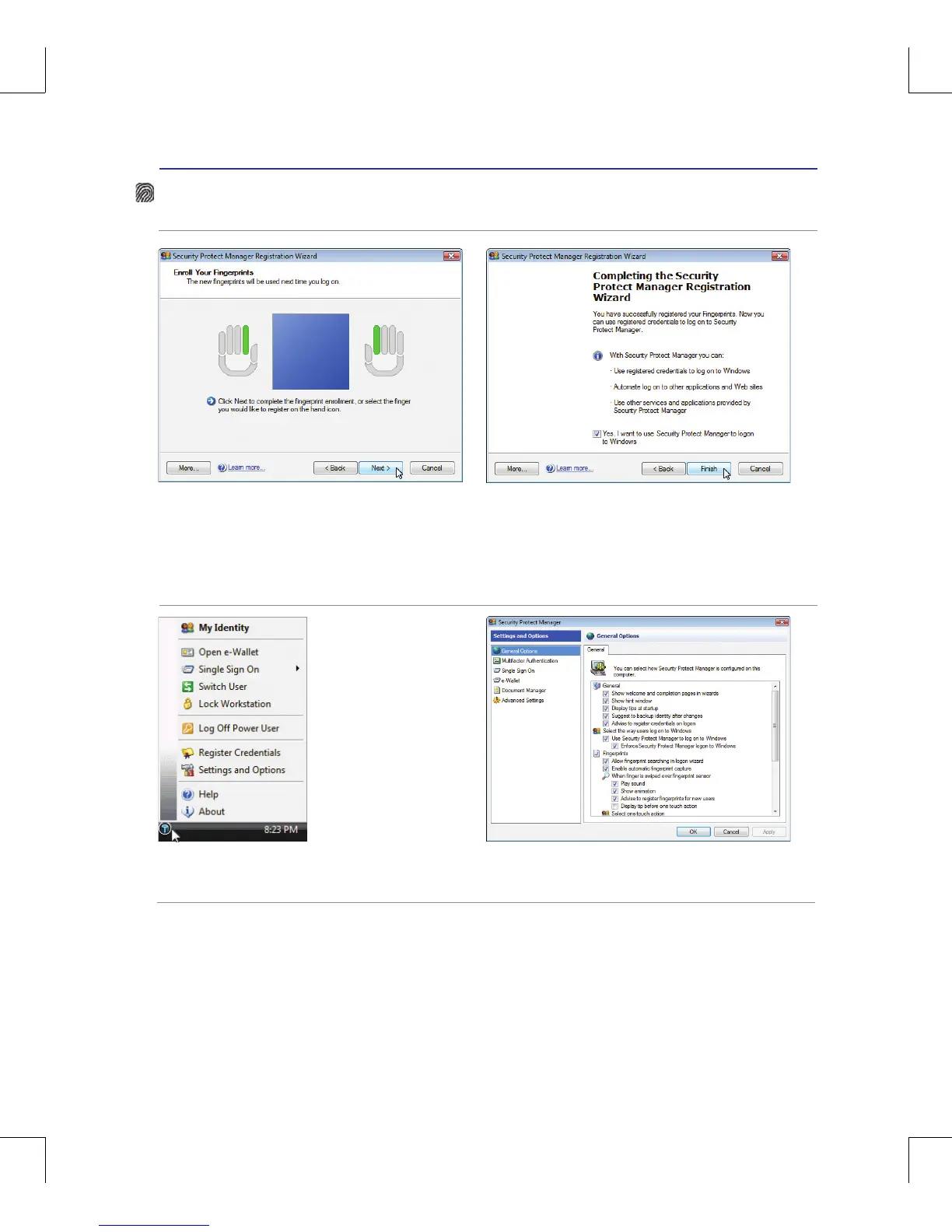
5� Select a finger on the illustration and swipe the
corresponding finger on the scanner slowly�
You must swipe your finger multiple times for
verification� You must register at least two fingers
to decrease the chance of any problems�
6� Click Finish when done�
Fingerprint Registration (on selected models) cont.
7� Right-click the icon in the Notification area and
select “Settings and Options”�
8� Select “General Options” and “Single Sign On”
and configure your preferences�



 To Next Page