A Appendix
A-8
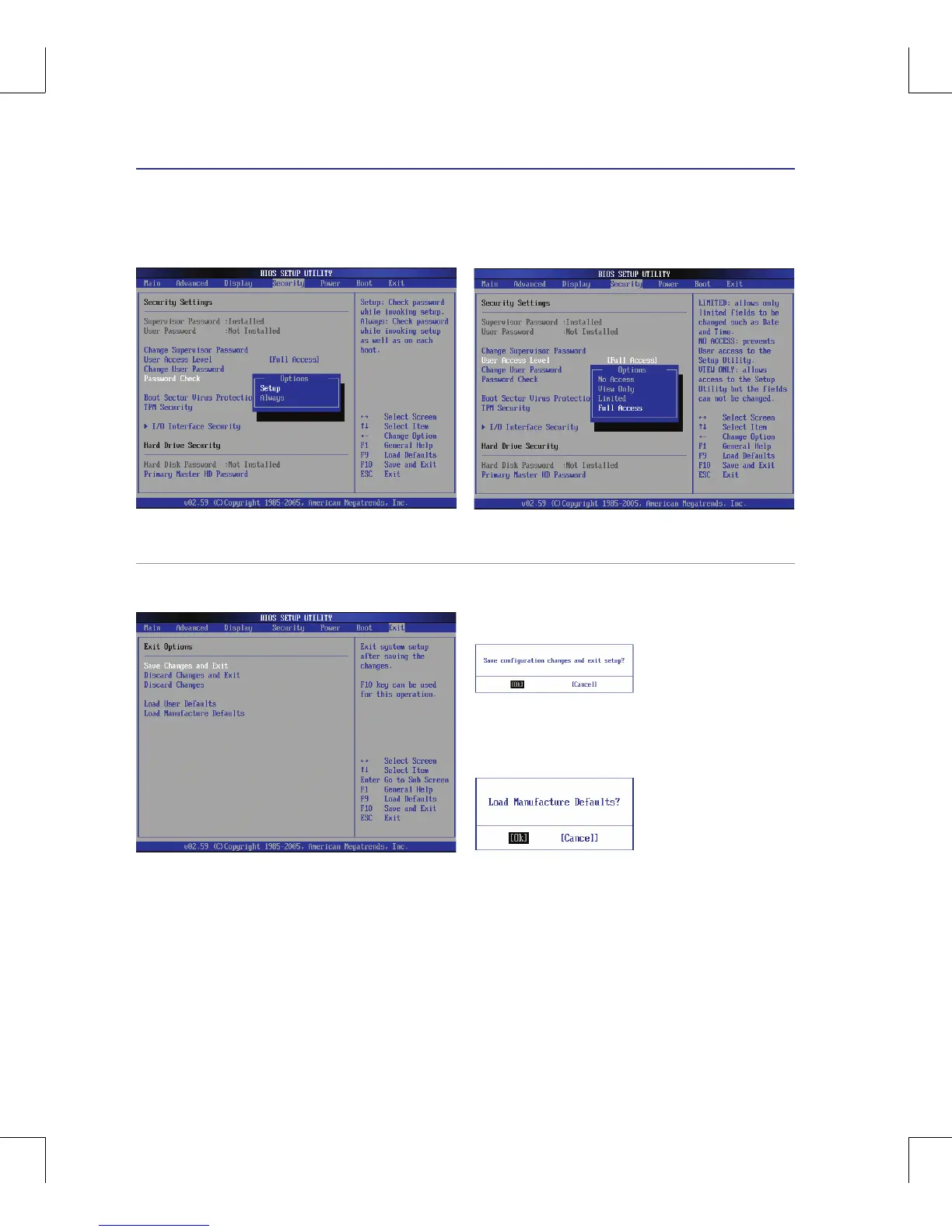
Password Check
Select whether to ask for a password during bootup (Always)
or only when entering the BIOS setup utility (Setup)�
Select the level of access to allow the “User Password” to
have in the BIOS setup utility�
User Access Level
Save Changes
If you want to keep your configuration settings, you must
save changes before exiting the BIOS setup utility�
If you want to restore default settings, choose Load
Manufacture Defaults� You must then save changes to
keep the manufacture default settings�
System BIOS Settings (cont.)



 To Next Page