Need help?
Do you have a question about the Asus N900 and is the answer not in the manual?
Lists all items included in the product package for user verification.
Details how to mount the ASUS EA-N66 unit on a flat surface or wall.
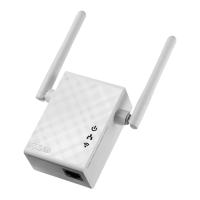
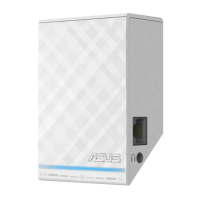
Identifies and describes the physical ports, indicators, and buttons on the EA-N66.
Step-by-step guide to connect and initially configure the EA-N66 device.
Explains how to use the EA-N66 as an Ethernet adapter for other devices.
Provides solutions for users unable to access the EA-N66's web graphical user interface.
Advises on using different SSIDs when configuring the EA-N66 in Repeater Mode.
Information on ASUS's commitment to responsible product recycling and disposal.
Details compliance with the REACH regulation for chemical substances.
Outlines FCC compliance rules, conditions, and interference guidelines for the device.
Details FCC interference mitigation, warnings, and co-location prohibitions.
States essential requirements and testing for R&TTE directive compliance.
Explains CE mark warnings and Industry Canada compliance for radio interference.
Outlines Industry Canada compliance rules and conditions for the device.
Advises on safe operating temperatures and avoiding liquids, rain, or moisture.


 To Next Page
 General