12
LED projector E-Manual
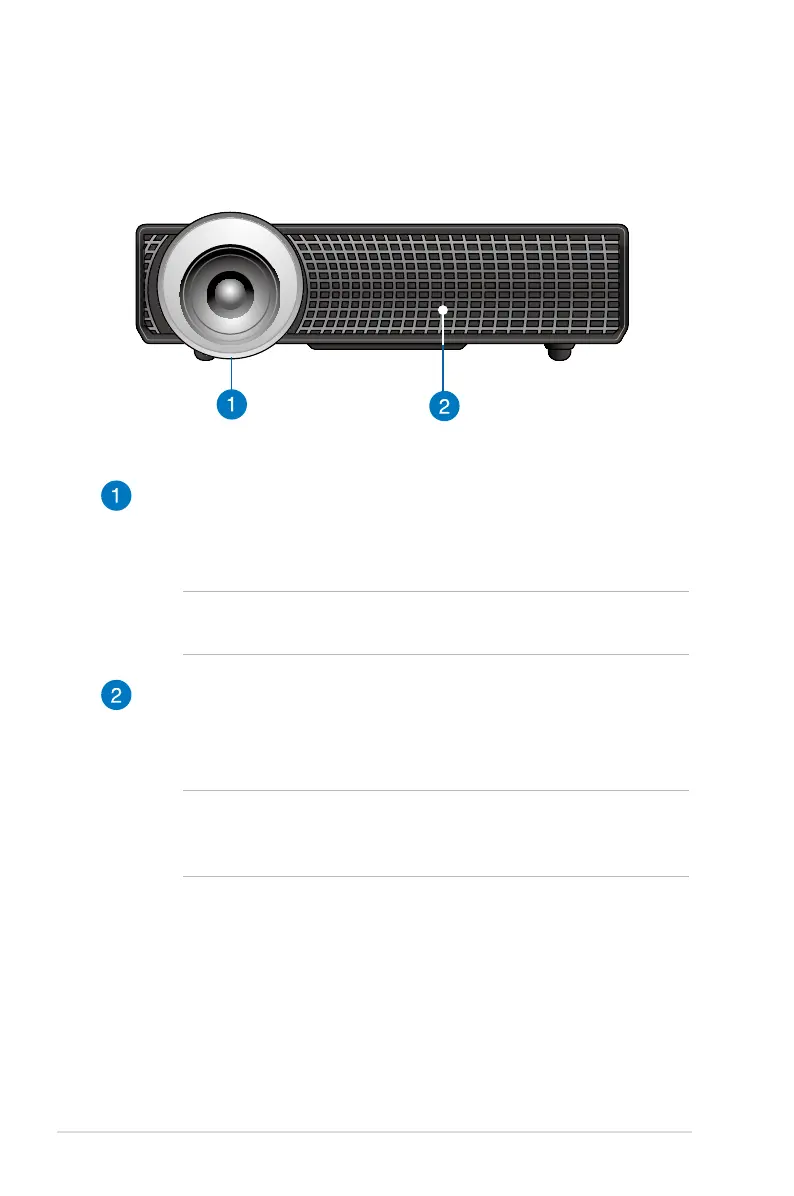
Front view
Lens
The lens projects video or image les onscreen from your input
device.
WARNING! Do not touch the lens using your hands or any sharp
object.
Air vents
The air vents allow cool air to enter and warm air to exit the LED
projector.
WARNING! Ensure that paper, books, clothing, cables, or other
objects do not block any of the air vents or else overheating
may occur.



 To Next Page