20
LED projector E-Manual
Remote control buttons
These additional buttons allow you to use the LED projector
from a distance of up to 10 meters.
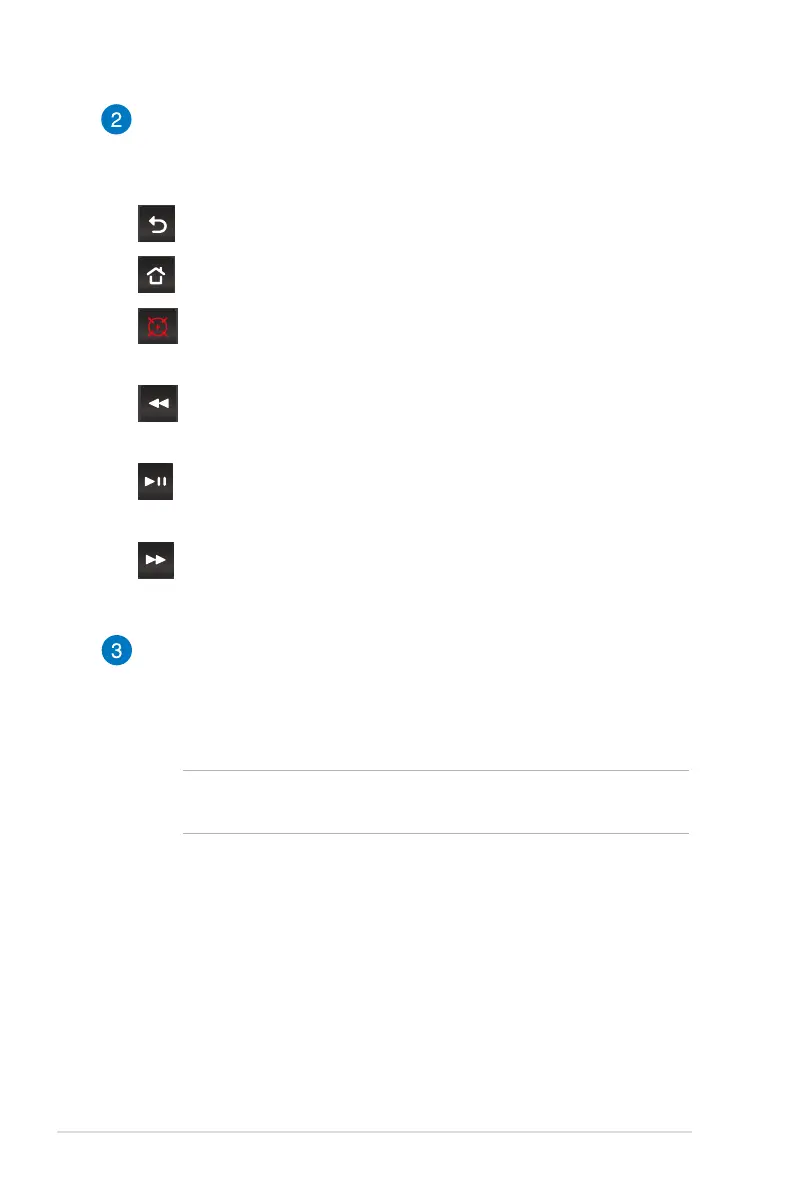
Back - Press this button to go back to the previous screen.
Home - Press this button to go back to the home screen.
Laser pointer - Press this button to activate the laser
pointer of the remote control.
Rewind - Press this button to rewind your audio or video
le.
Play/Pause - Press this button to play or stop your audio or
video le.
Fast-forward - Press this button to fast-forward your audio
or video le.
Battery compartment
The battery compartment allows you to use a CR2025 or
CR2032 lithium coin battery to power your LED projector’s
remote control.
NOTE: For more details on using the battery compartment, refer
to the Replacing the battery section in this manual.



 To Next Page