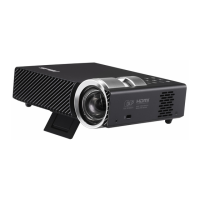
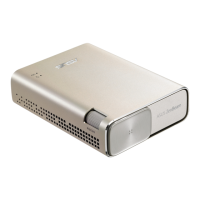
LED projector E-Manual
39
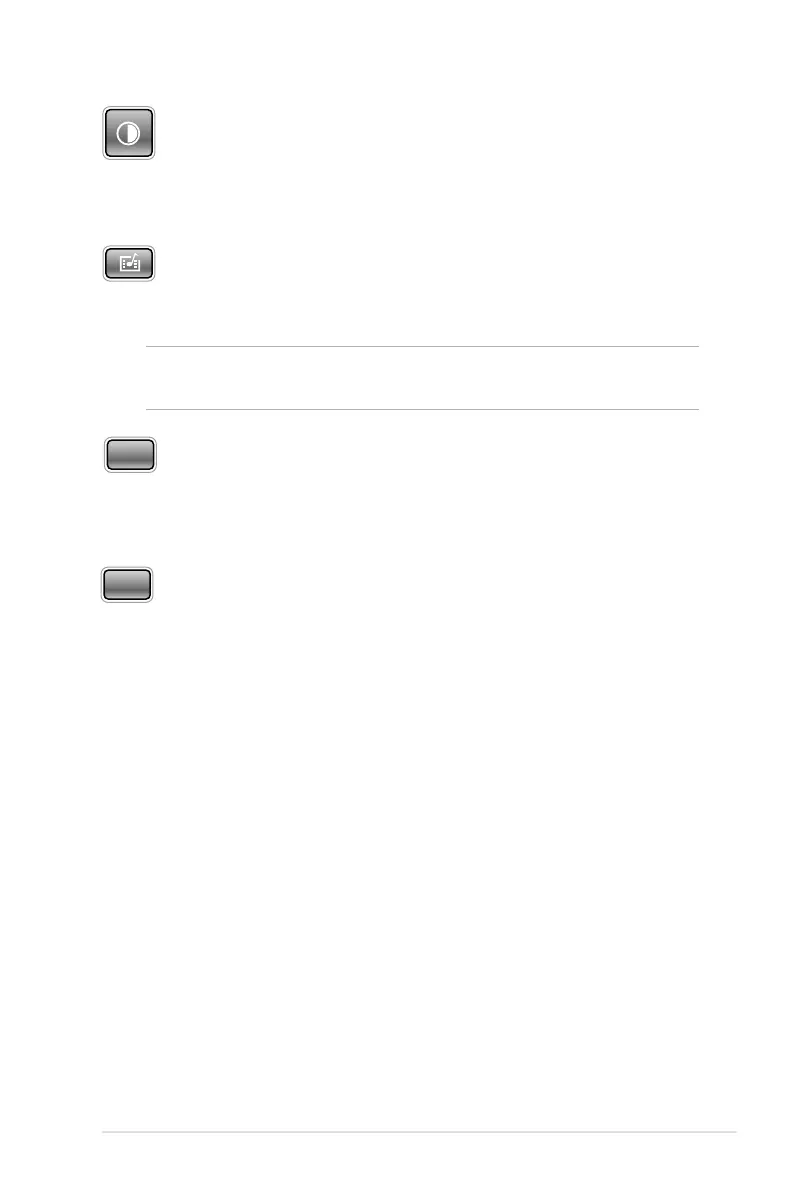
Contrast
Press this button to set the dierence between lighten or darken
your projection onscreen.
Media Center*
Press this button to launch the Media Center.
NOTE: For more details, refer to the Using the Media Center section in
this manual.
VGA*
Press this button to start the connection with your input device via
the mini VGA port.
HDMI*
Press this button to start the connection with your input device via
the HDMI port.
* on selected models only



 To Next Page