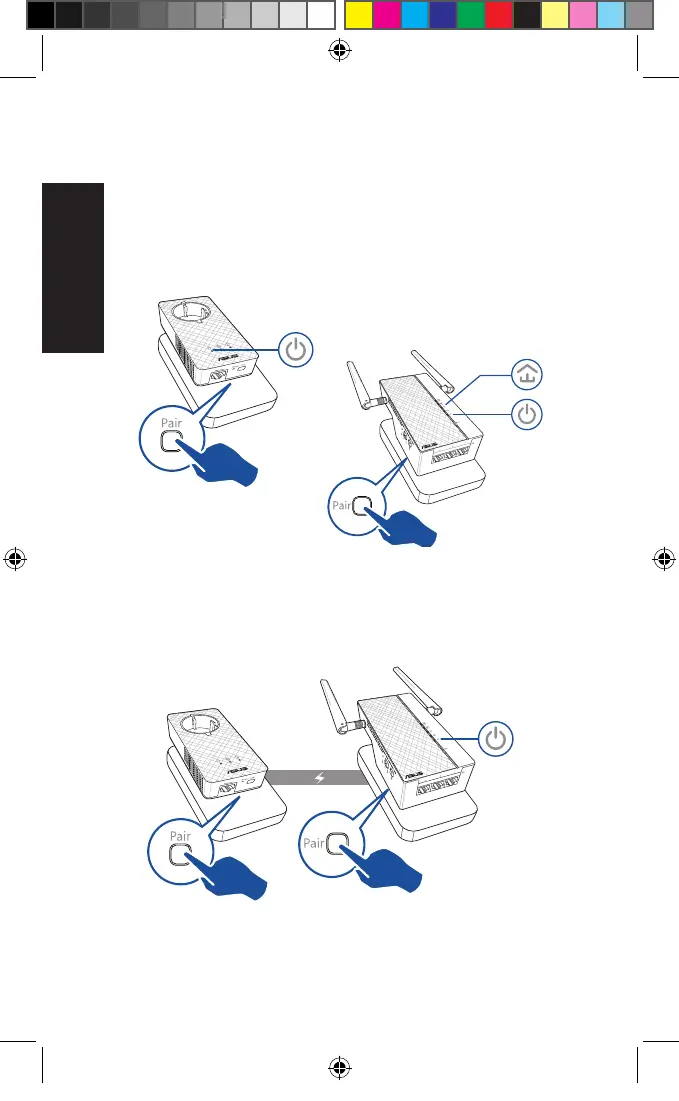
Security pairing
Creating a secure powerline network
1. Press the Pair button
on your PL-E56P.
2. Press the Pair button on
your PL-AC56. Wait until the
powerline LED lights up, indi-
cating that a secure powerline
network has been created.
Joining a secure powerline network
1. Press the Pair button on a powerline device in the powerline
network.
Blinking
On
Blinking
U11264_PL-AC56_Kit_QSG_Booklet_105x170mm.indb 6 2016-02-04 10:04:50



 To Next Page