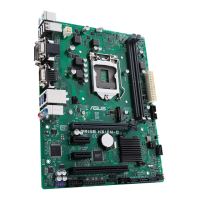
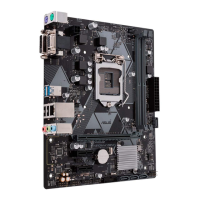
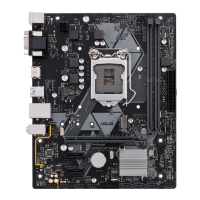
ASUS PRIME H310M-E
1-5
LAN port
Speed
LED
Activity Link
LED
Activity/Link LED Speed LED
Status Description Status Description
Off Nolink OFF 10Mbpsconnection
Orange Linked ORANGE 100Mbpsconnection
Orange
(Blinking)
Dataactivity GREEN 1Gbpsconnection
Orange
(Blinkingthen
steady)
Readytowake
upfromS5mode
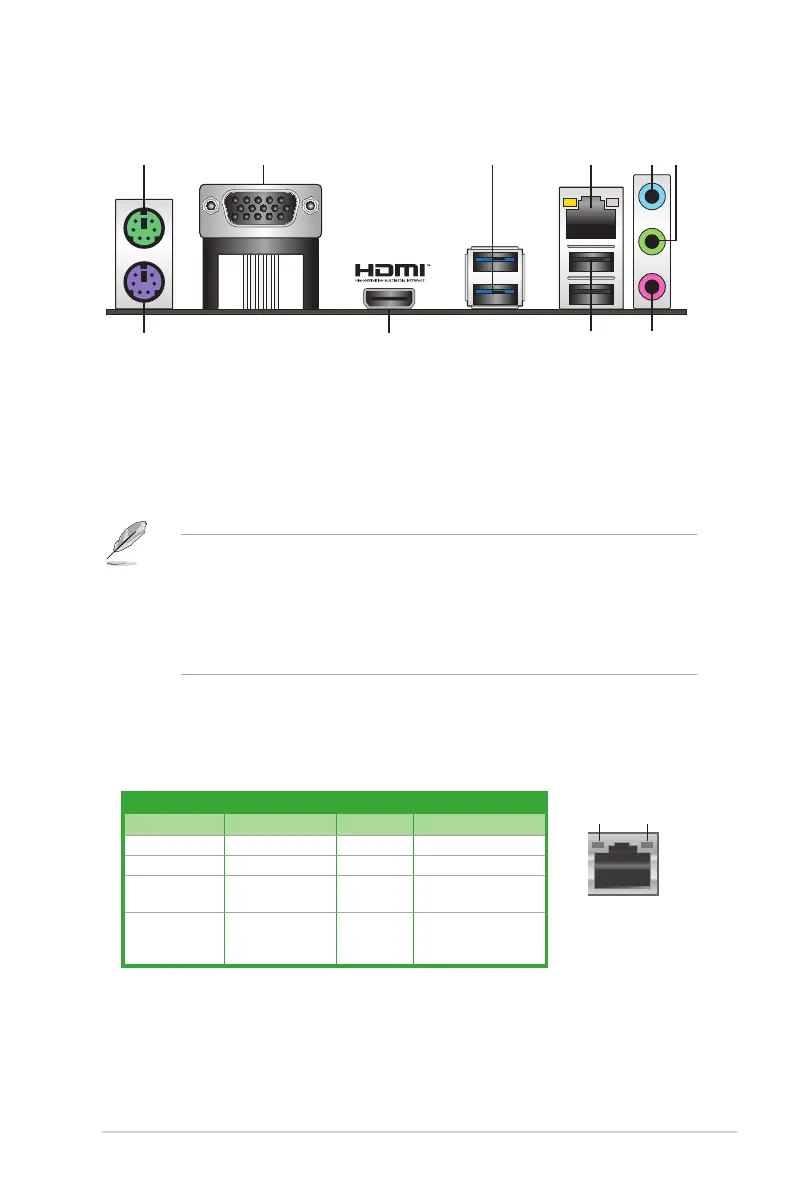
1. PS/2 Mouse port.ThisportconnectstoaPS/2mouse.
2. Video Graphics Adapter (VGA) port.This15-pinportisforaVGAmonitororother
VGA-compatibledevices.
3. USB 3.1 Gen 1 (up to 5Gb/s) ports.Thesetwo9-pinUniversalSerialBus(USB)ports
areforUSB3.1Gen1devices.
• USB3.1Gen1devicescanonlybeusedfordatastorage.
• WestronglyrecommendthatyouconnectUSB3.1Gen1devicestoUSB3.1Gen1
portsforfasterandbetterperformancefromyourUSB3.1Gen1devices.
• DuetothedesignoftheIntel
®
300serieschipset,allUSBdevicesconnectedtothe
USB2.0andUSB3.0portsarecontrolledbythexHCIcontroller.SomelegacyUSB
devicesmustupdatetheirrmwareforbettercompatibility.
4. LAN (RJ-45) port.ThisportallowsGigabitconnectiontoaLocalAreaNetwork(LAN)
throughanetworkhub.
LAN port LED indications
Rear panel connectors
1 3 4
5 6
2





 To Next Page