7
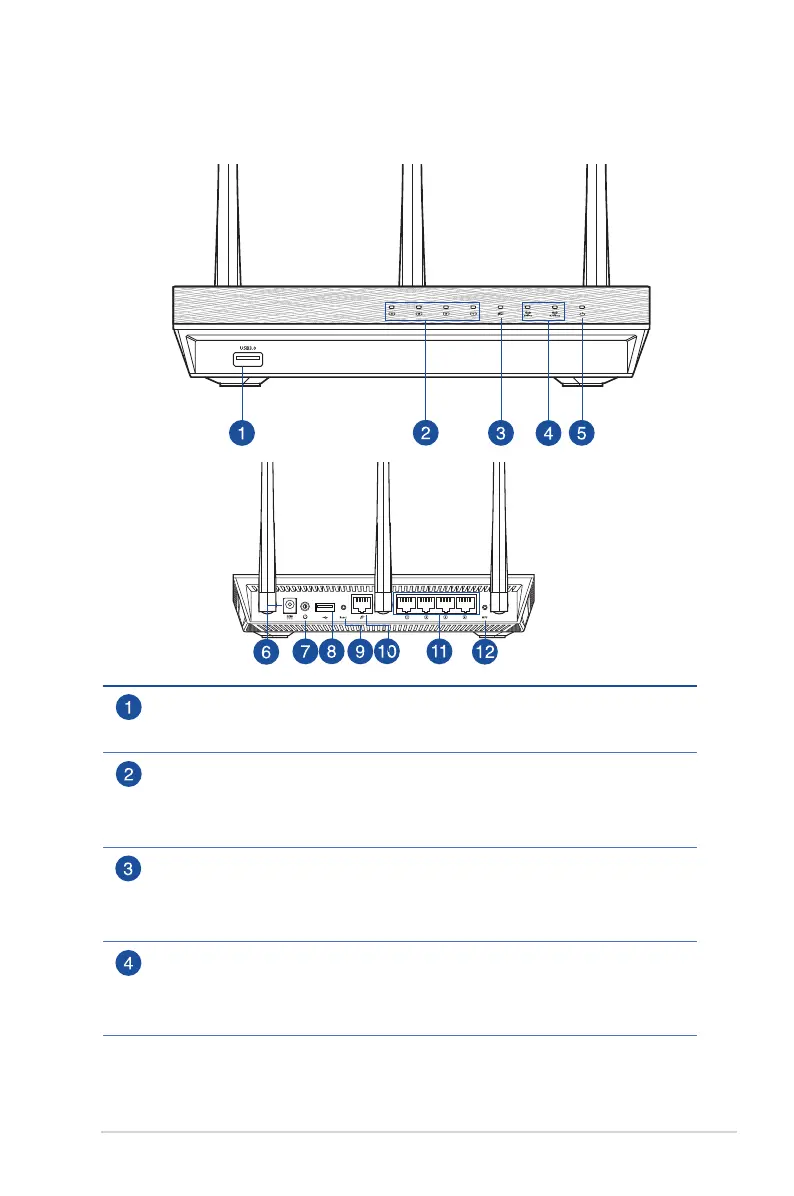
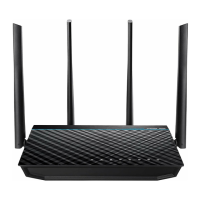
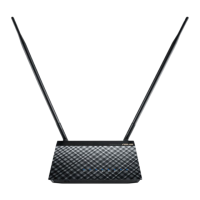
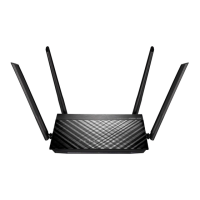
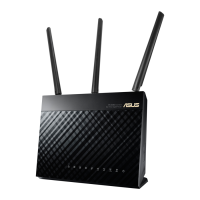
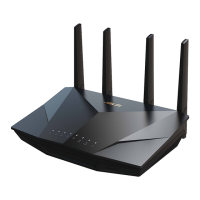
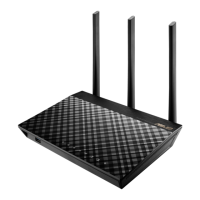
1.3 Your wireless router
USB 3.0 port
Insert a USB 3.0 device such as a USB hard disk or a USB ash drive into this
port.
LAN LED
O: No power or no physical connection.
On: Has physical connection to a local area network (LAN).
Flashing: Transmitting or receiving data via wireless connection.
WAN LED
O: No power or no physical connection.
On: Has physical connection to a wide area network (WAN).
Flashing: Transmitting or receiving data via wireless connection.
2.4GHz LED / 5GHz LED
O: No 2.4GHz or 5GHz signal.
On: Wireless system is ready.
Flashing: Transmitting or receiving data via wireless connection.


 To Next Page