AiCloud
ASUSAiCloudappprovidesyouwithaccesstoyourdatawhereverandwhen-
everyouhaveanInternetconnection.ItalsoallowsyoutoaccessyourASUS
WebStorageaccountviatheAiCloudmobileapponyouriOSorAndroiddevice,
orviaawebbrowser.
ToinstallAiCloud:
1. Ensurethatyourrouter’srmwareversionisthelatestoneandsupports
AiCloud.
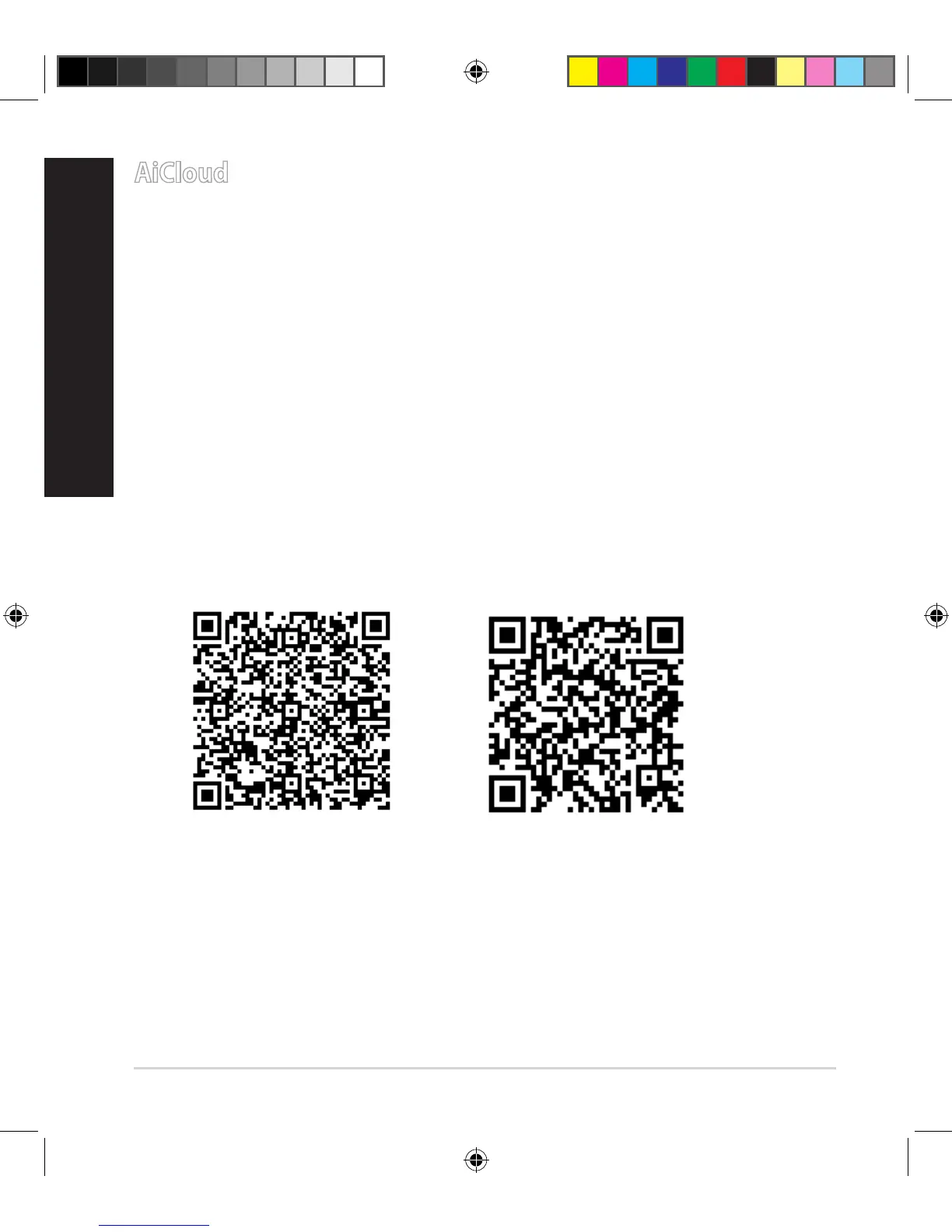
2. DownloadAiCloudappfromGooglePlayorAppStore.
3. InstallyourUSBstoragedevicetoyourrouter.RefertosectionA quick look
for the location of the USB ports.
4. ConnectyouriOSorAndroiddevicestotherouterthroughWi-Fi.TheAi-
Cloudappwillautomaticallyguideyouthroughthesetupprocess.
5. Youcannowaccess,streamandsharetoalllesinyourUSBstorage.Search
ASUSAiCloudformoreinformation.Watchtutorialvideosforstep-by-step
guide.
Google Play App Store
E10547_RT-AC3100_QSG.indd 12 6/17/2015 12:55:33 PM


 To Next Page
 Loading...