Installing your router
IMPORTANT:Beforeinstallingtherouter,ensurethatInternetconnec-
tionisavailable.
1. Position your wireless router.
For optimal wireless transmission between the wireless router and connected
wirelessdevices,ensurethatyou:
• Placethewirelessrouterinacentralizedareaforamaximumwirelesscoverage
forthenetworkdevices.
• Keepthewirelessrouterawayfrommetalobstructionsandawayfromdirect
sunlight.
• Keepthewirelessrouterawayfrom802.11gor20MHzonlyWi-Fidevices,
2.4GHzcomputerperipherals,Bluetoothdevices,cordlessphones,transformers,
heavy-dutymotors,uorescentlights,microwaveovens,refrigerators,andother
industrialequipmenttopreventsignalinterferenceorloss.
• Alwaysupdatetothelatestrmware.VisittheASUSwebsiteat
http://www.asus.comtogetthelatestrmwareupdates.
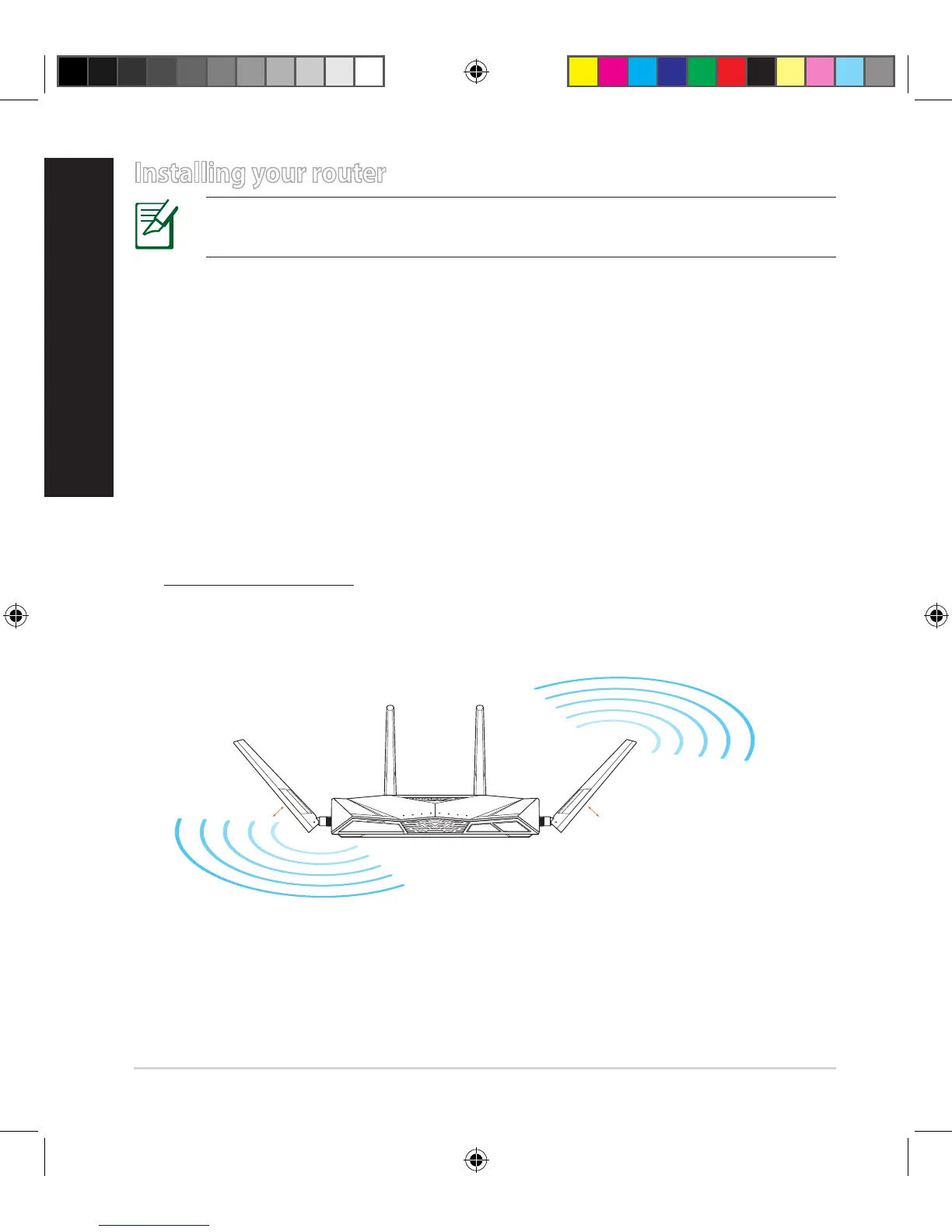
• Toensurethebestwirelesssignal,orientthefourdetachableantennasasshown
inthedrawingbelow.
45
°
45
°
WiFi
WPS
E10547_RT-AC3100_QSG.indd 4 6/17/2015 12:55:32 PM


 To Next Page
 Loading...