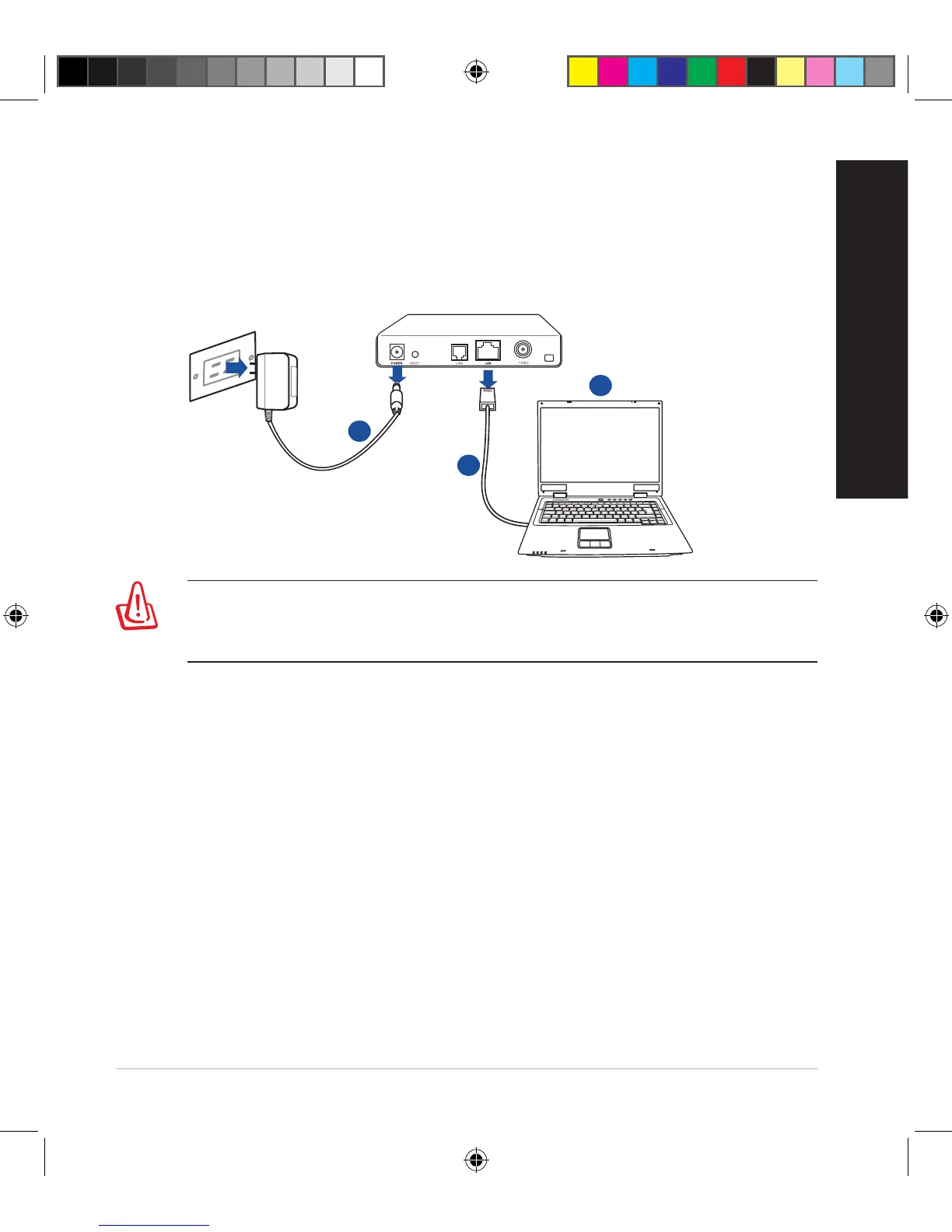
2. Prepare your modem.
a. UnplugtheACadapterfromthepoweroutletanddisconnectitfromyour
cable/ADSL modem.
b. Disconnectthenetworkcablefromyourcable/ADSLmodem.
c. Rebootyourcomputer(recommended).
Modem
OFF!
a
b
c
WARNING!Beforedisconnectingthewires/cables,ensurethatyour
cable/ADSLmodemhasbeenturnedoforatleasttwominutes.Ifyour
modemhasabackupbattery,removeitaswell.
E10547_RT-AC3100_QSG.indd 5 6/17/2015 12:55:32 PM


 To Next Page
 Loading...