4
Position your wireless router
For optimal wireless transmission between the wireless router and connected wireless
devices, ensure that you:
• Placethewirelessrouterinacentralizedareaforamaximumwirelesscoverageforthe
network devices.
• Keepthewirelessrouterawayfrommetalobstructionsandawayfromdirectsunlight.
• Keepthewirelessrouterawayfrom802.11gor20MHzonlyWi-Fidevices,2.4GHz
computerperipherals,Bluetoothdevices,cordlessphones,transformers,heavy-
dutymotors,uorescentlights,microwaveovens,refrigerators,andotherindustrial
equipmenttopreventsignalinterferenceorloss.
• Alwaysupdatetothelatestrmware.VisittheASUSwebsiteat
http://www.asus.comtogetthelatestrmwareupdates.
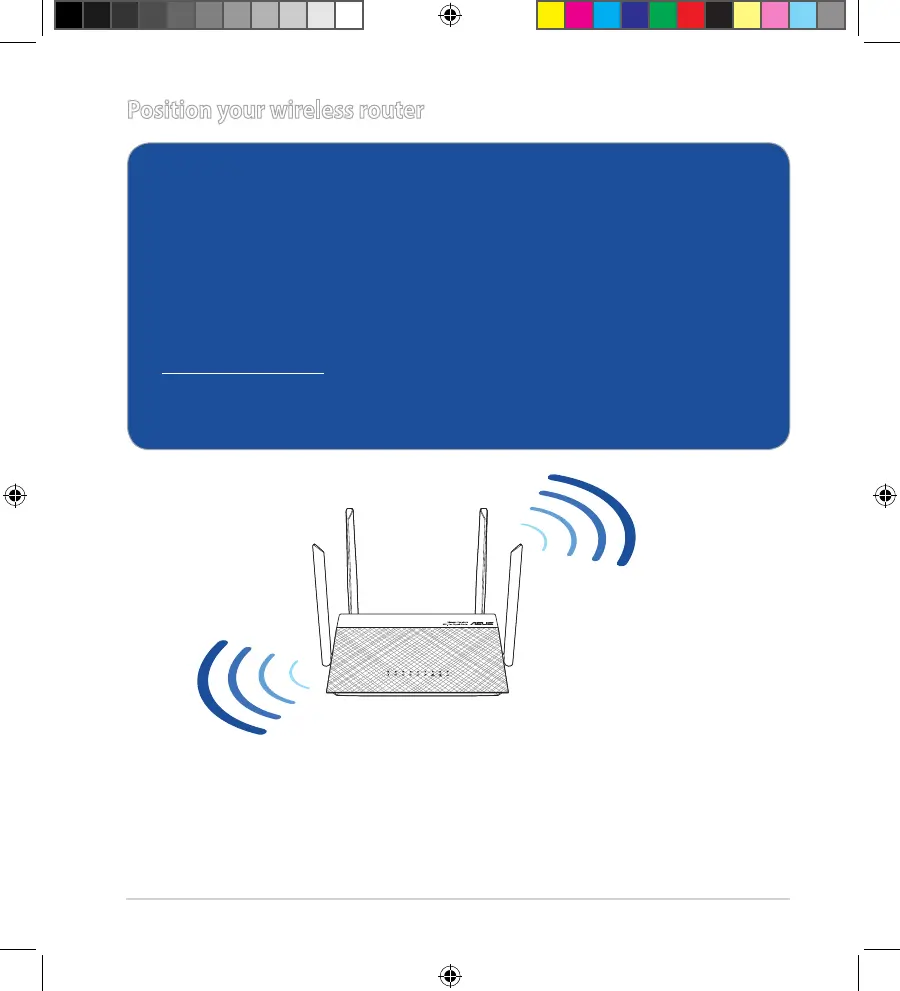
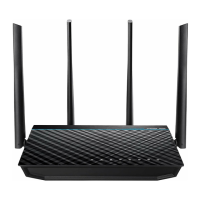
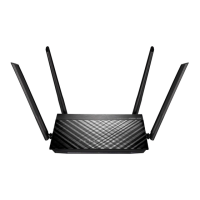
• Toensurethebestwirelesssignal,orientthefourdetachableantennasasshowninthe
drawing below.
• DONOTmountthisequipmenthigherthan2meters.
A16297_RT-AC59U_V2_QSG_V6.indb 4 2020/2/25 15:47:28


 To Next Page