vi
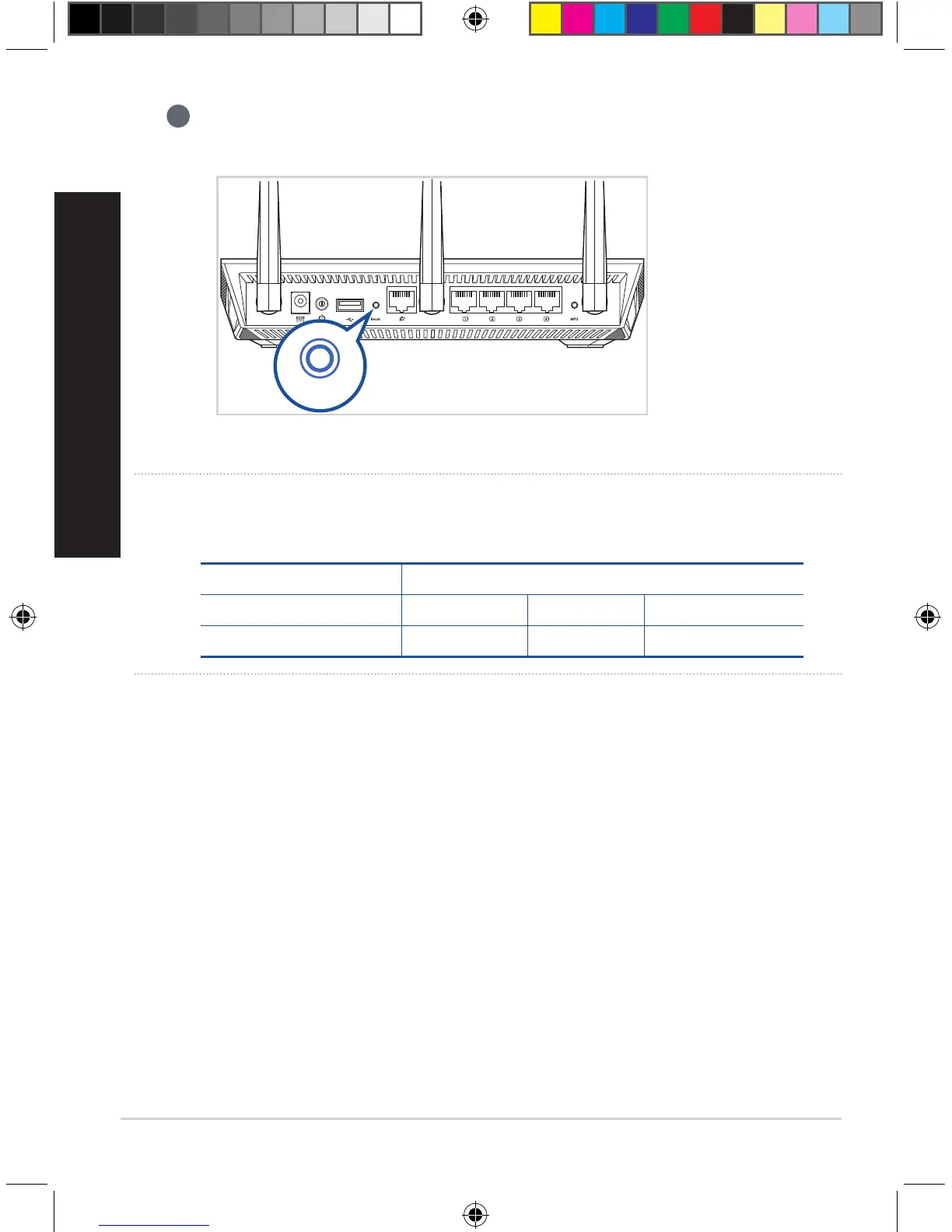
Press the reset button on your AiMesh node for at least 5 seconds. Release the
reset button when the power LED is flashing slowly.
Reset
NOTES: Use only the adapter that came with your package. Using other adapters may damage the
device.
Specifications:
DC Power adapter DC Output: +19V with max 1.75A current
Operating Temperature 0~40
o
C Storage 0~70
o
C
Operating Humidity 50~90% Storage 20~90%
U13939-2_RT-AC1900U_AiMesh_QSG.indb 12 2018/3/29 14:24:20



 To Next Page