If you are using DSL for internet, you will need your
username / password from your Internet service
provider (ISP) to properly configure your router.
Connect your Device
02
1
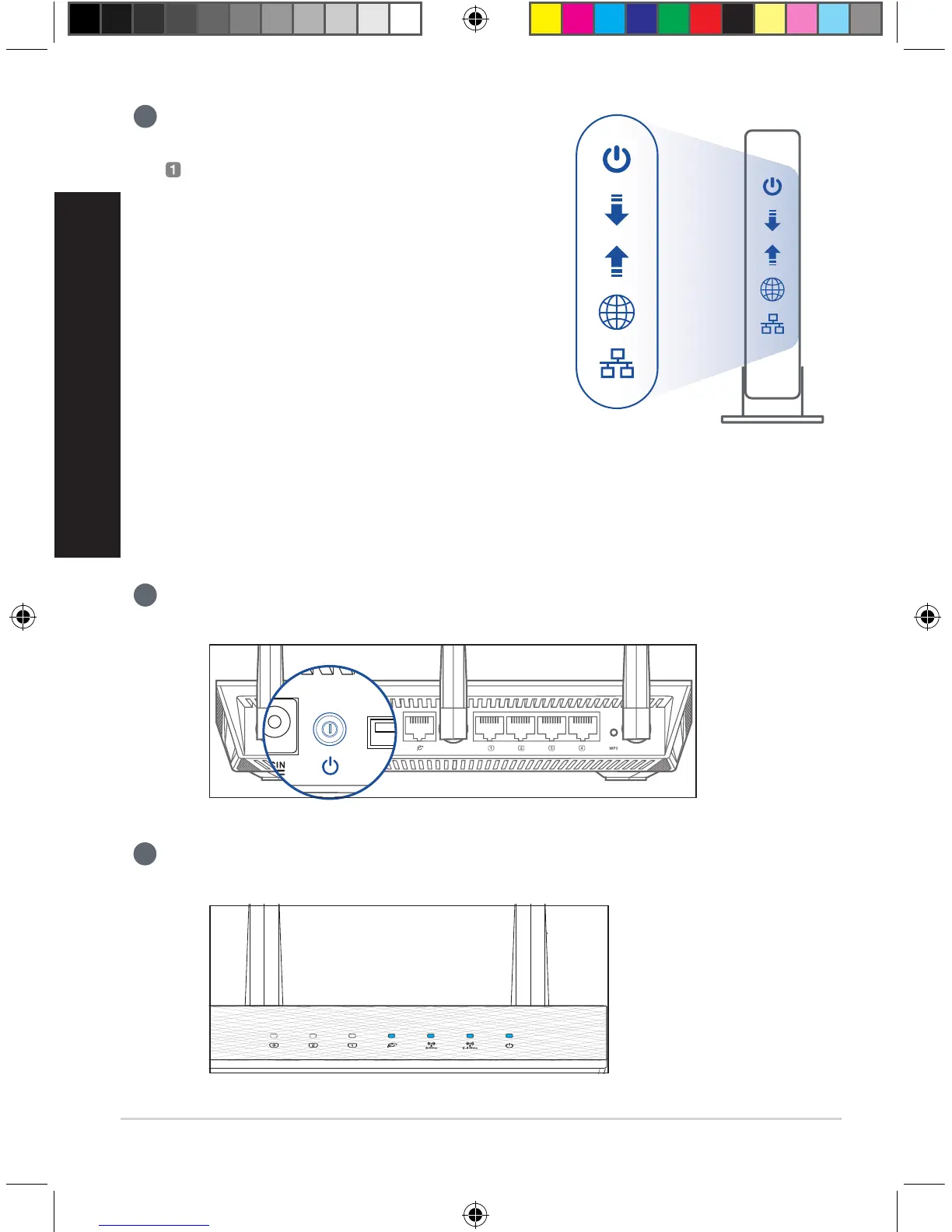
Power on the router. Plug in and press the power button at the back of your router.
2
Check the WAN and 2.4GHz/5GHz LED lights to ensure the hardware connection is
ready.
U13939-2_RT-AC1900U_AiMesh_QSG.indb 6 2018/3/29 14:24:19



 To Next Page