17
t $IFDLJGUIF"%4-PS$BCMFDPOOFDUJPOJTDPSSFDU
t 3FUSZVTJOHBOPUIFS&UIFSOFUDBCMF
If the ADSL “LINK” light blinks continuously or stays o, Internet access is
not possible - the Router is unable to establish a connection with the ADSL
network.
t &OTVSFUIBUBMMZPVSDBCMFTBSFBMMQSPQFSMZDPOOFDUFE
t %JTDPOOFDUUIFQPXFSDPSEGSPNUIF"%4-PSDBCMFNPEFNXBJUBGFXNJO-
utes, then reconnect the cord.
t *GUIF"%4-MJHIUDPOUJOVFTUPCMJOLPSTUBZT0''DPOUBDUZPVS"%4-TFSWJDF
QSPWJEFS
Network name or encryption keys are forgotten.
t 5SZTFUUJOHVQUIFXJSFEDPOOFDUJPOBOEDPOöHVSJOHUIFXJSFMFTTFODSZQUJPO
again.
t 1SFTTUIF3FTFUCVUUPOPGUIFXJSFMFTTSPVUFSGPSNPSFUIBOöWFTFDPOET
t 'BDUPSZEFGBVMUTFUUJOHT
User name / Password:
admin / admin
IP address:
192.168.1.1
SSID:
ASUS
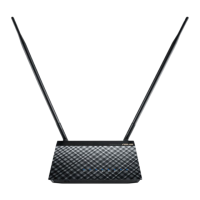
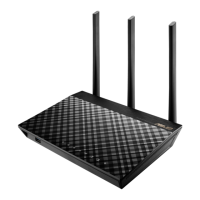
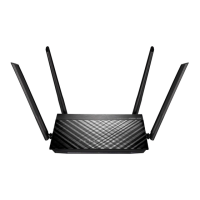
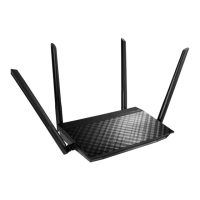
Where can I nd more information about the wireless router?
t 6TFS.BOVBMJOUIFTVQQPSU$%
t 0OMJOF'"2TJUF http://support.asus.com/faq
t 5FDIOJDBM4VQQPSUTJUFhttp://support.asus.com
t $VTUPNFS)PUMJOF3FGFSUPUIF4VQQPSU)PUMJOFJOUIJT2VJDL4UBSU(VJEF
English


 To Next Page