6
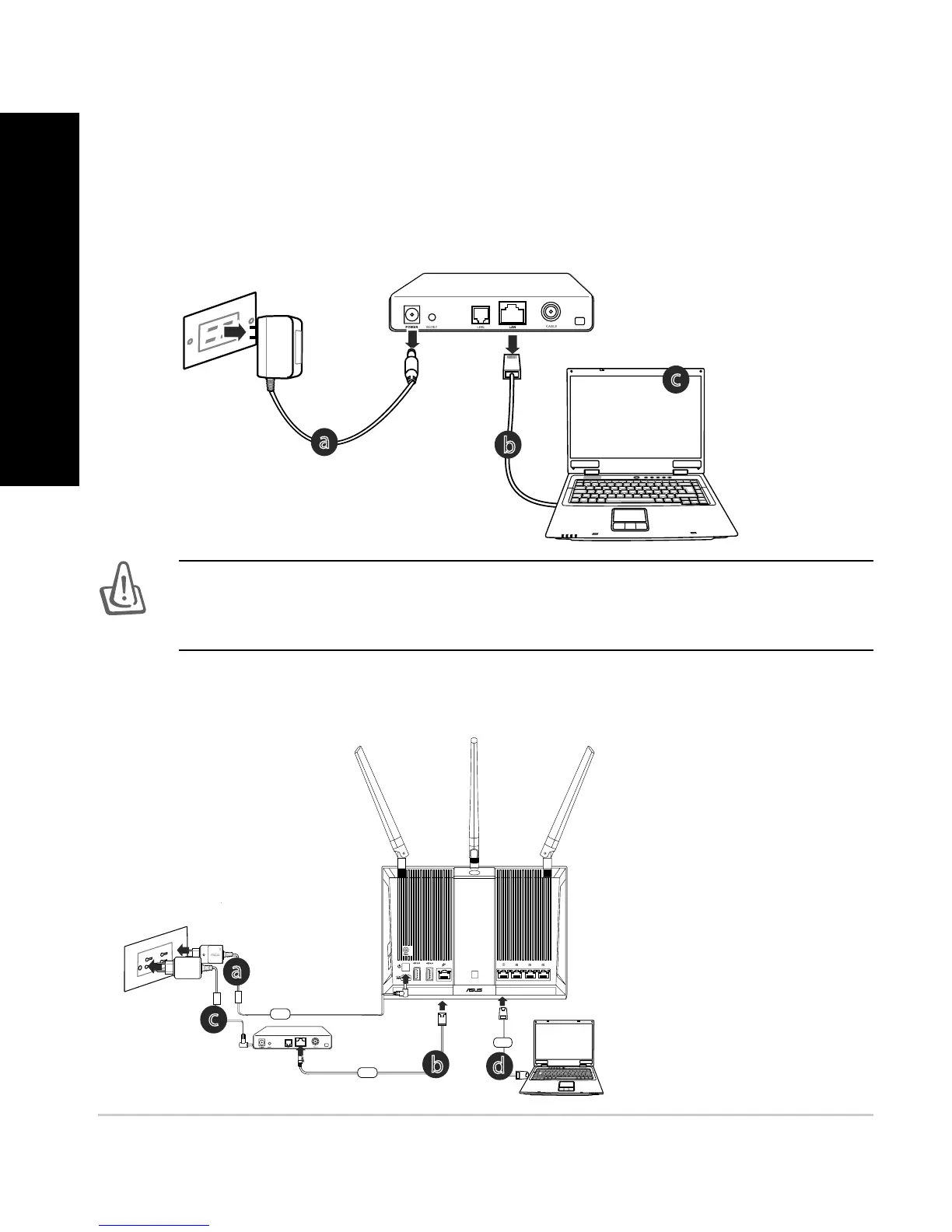
2. Prepare your modem.
a. Unplug the AC adapter from the power outlet and disconnect it from your
cable/ADSL modem.
b. Disconnect the network cable from your cable/ADSL modem.
c. Reboot your computer (recommended).
Modem
OFF!
WARNING! Before disconnecting the wires/cables, ensure that your
cable/ADSL modem has been turned o for at least two minutes. If your
NPEFNIBTBCBDLVQCBUUFSZSFNPWFJUBTXFMM
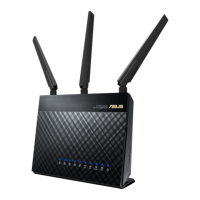
RT-AC68U
Computer
Wall Power Outlet
LAN
Modem
Power
WAN
3. Set up your wireless environment.
a
b
c
a
b
c
d
English


 To Next Page