21
Chapter 4: Conguring via the web GUI RT-G32
4
Conguring via the
web GUI
Conguring via the web GUI
The router’s web graphics user interface (web GUI) allows you to congure the
feature: Setting.
To congure via the web GUI:
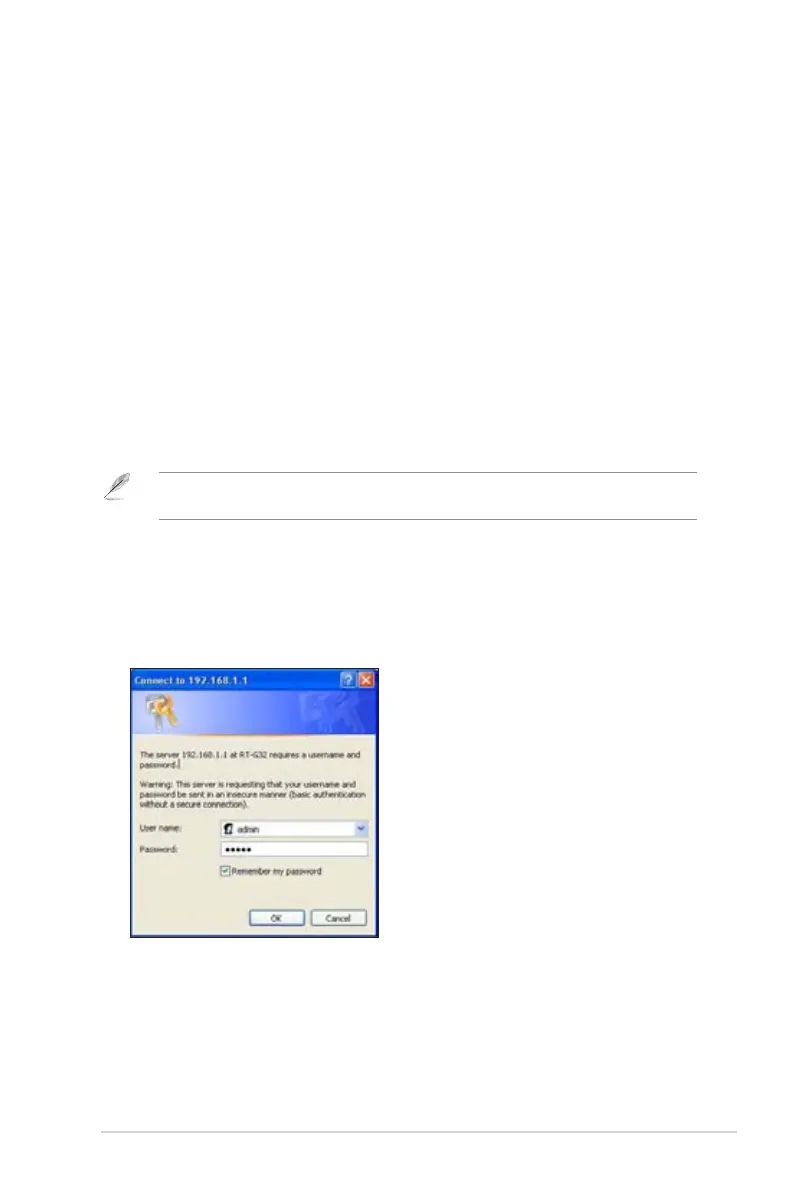
1. After setting up a wired or wireless connection, launch a web browser. The
login page is automatically launched.
Note: You may also manually key in the router’s default IP address (192.168.1.1) to launch the
router’s web interface.
2. On the login page, key in the default user name (admin) and password
(admin).
3. From the main page, click the navigation menu or links to congure the various
features of the ASUS Wireless Router.


 To Next Page