28
RT-G32 Chapter 5: Installing the utilities
4. From your Windows
®
desktop, click > Start > All programs > ASUS Utility >
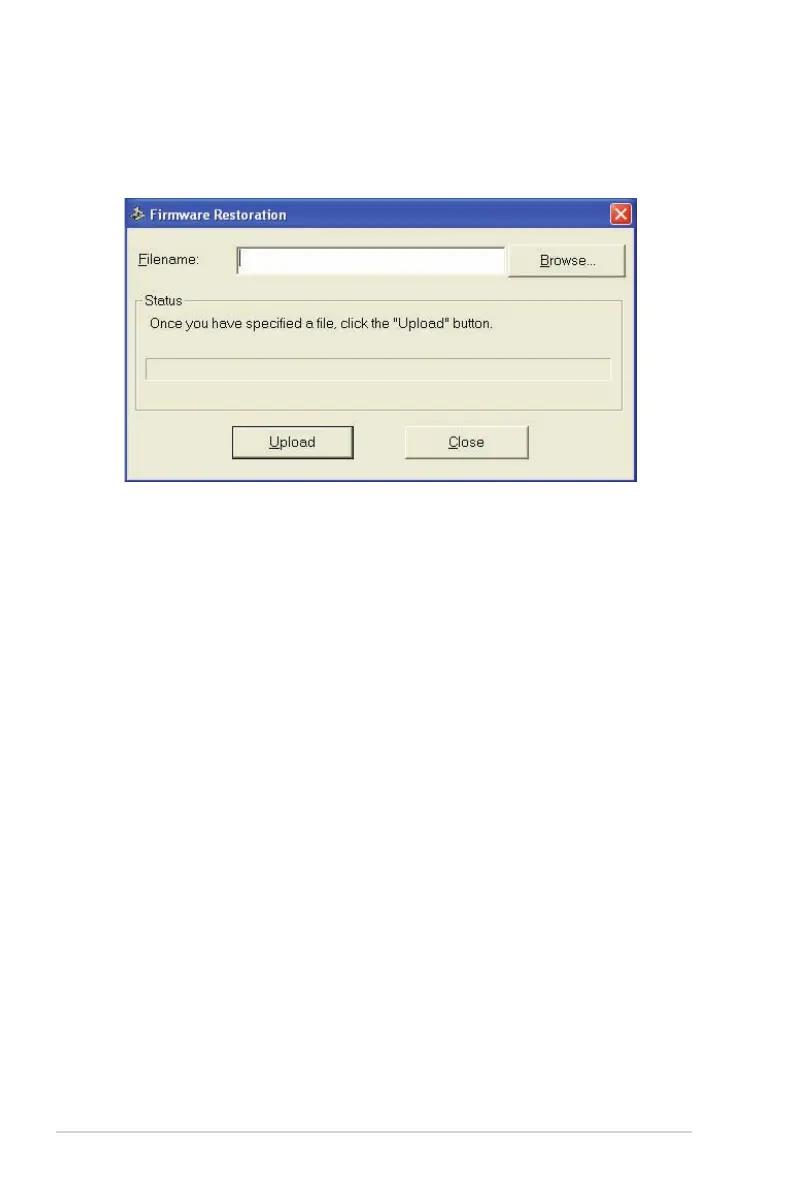
RT-G32 Wireless Router > Firmware Restoration.
5. Click Browse to choose the rmware le and then click Upload.
6. After uploading the rmware successfully, the device automatically reboots.


 To Next Page