25
NOTES:
• For more details, refer to the section Using the Network Place
(Samba) Share service and Using the FTP Share service in
this user manual.
• On USB External HDD/Flash disk:
• The wireless router works with most USB HDDs/Flash disks
(up to 2TB size) and supports read-write access for FAT16,
FAT32, EXT2, EXT3, and NTFS.
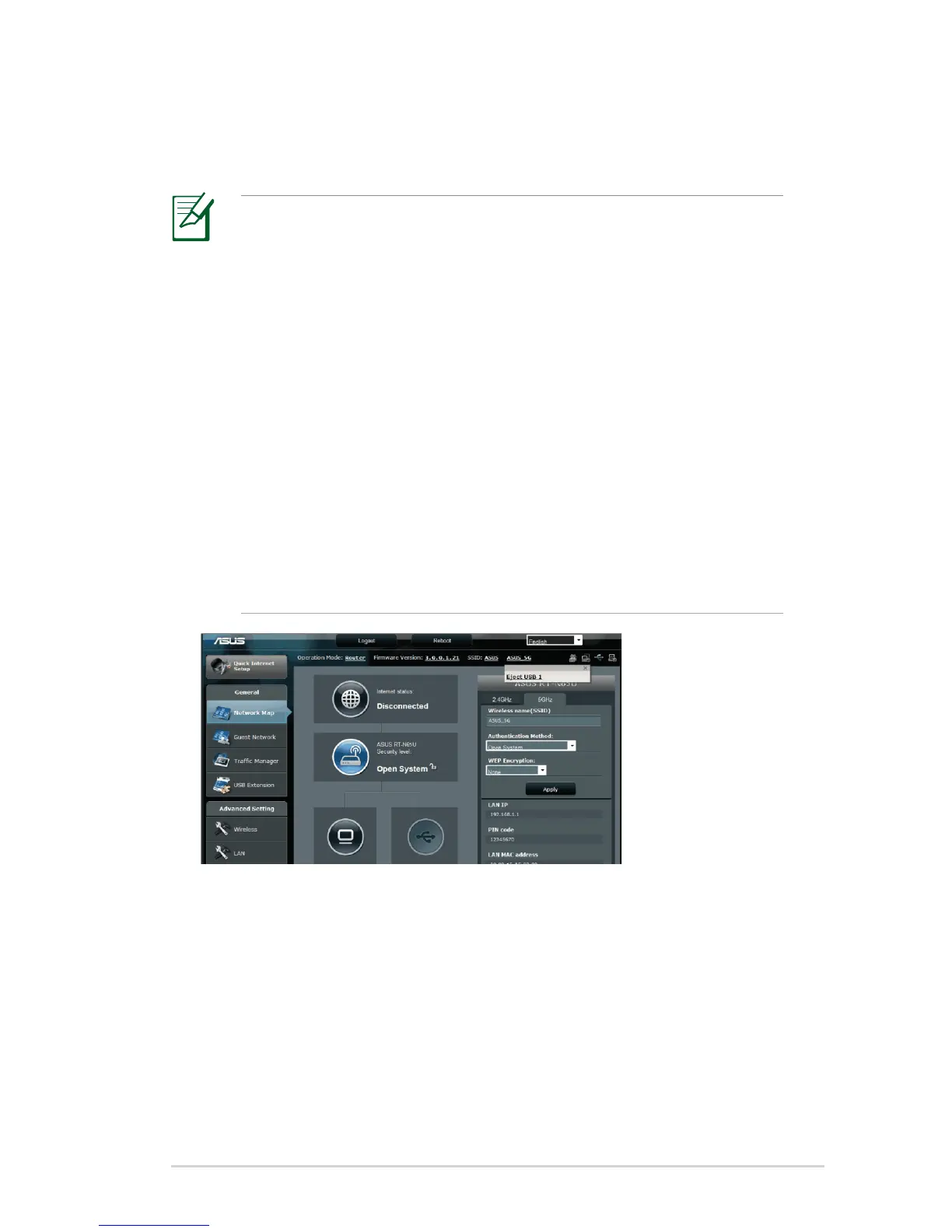
• To safely remove the USB disk, launch the web GUI
(http://192.168.1.1), then in the upper right corner of
Network Map page click the USB icon > click Eject USB1.
• Incorrect removal of the USB disk may cause data
corruption.
3. On the AiDisk Wizard field, click GO to set up an FTP server for
Internet file sharing.



 To Next Page