6
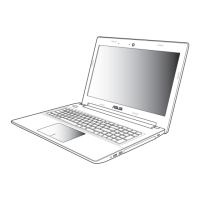
Notebook PC E-Manual
About this manual
NOTE: The following information is only for selected Notebook PC
models pre-installed with Windows® 8.
This manual provides information about the hardware and software
features of your Notebook PC, organized through the following
chapters:
Chapter 1: Hardware Setup
This chapter details the hardware components of your
Notebook PC.
Chapter 2: Using your Notebook PC
This chapter shows you how to use the dierent parts of your
Notebook PC.
Chapter 3: Working with Windows® 8
This chapter provides an overview of using Windows® 8 in your
Notebook PC.
Chapter 4: ASUS Apps
This chapter features the ASUS apps included with your
Notebook PC’s Windows® 8 operating system.
Chapter 5: Power-on Self-test (POST)
This chapter shows you how to use POST to change the settings
of your Notebook PC.
Appendices
This section includes notices and safety statements for your
Notebook PC.


 To Next Page