Notebook PC E-Manual
9
Caring for your Notebook PC
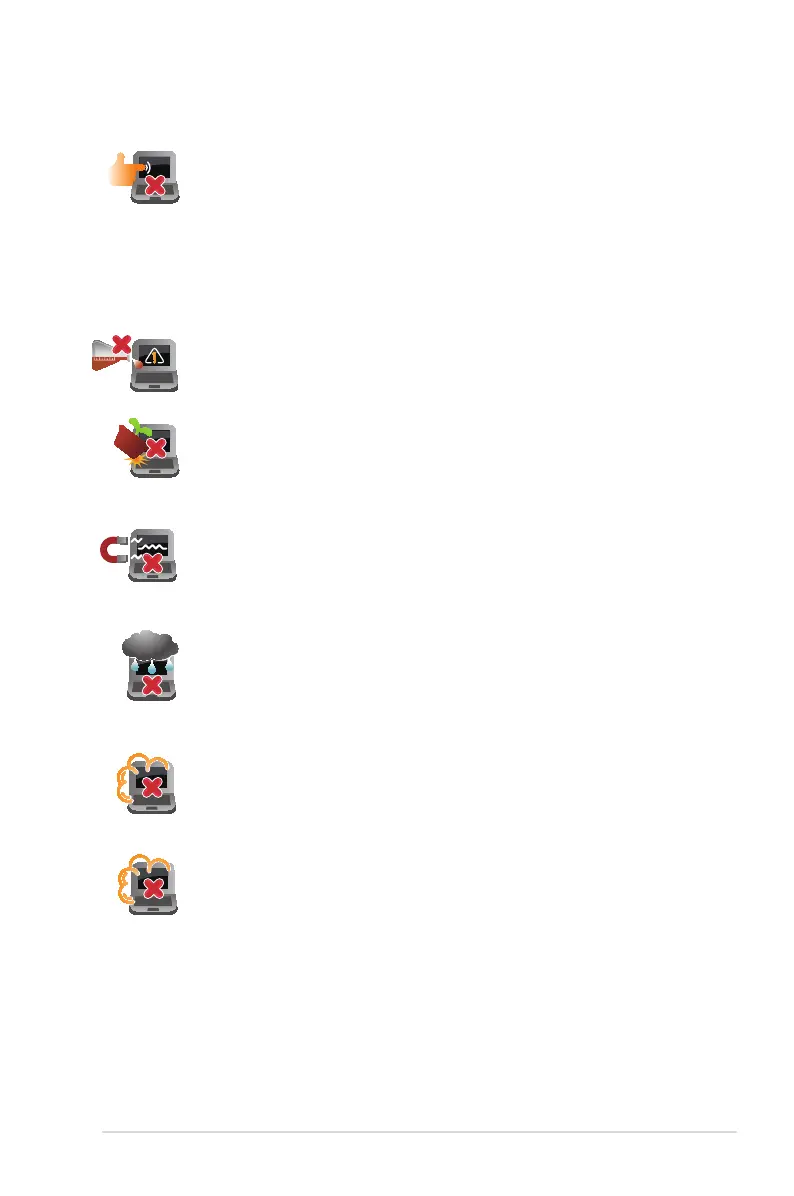
Do not expose your Notebook PC to dusty environments.
Do not use your Notebook PC near gas leaks.
Do not place objects on top of your Notebook PC.
Do not expose your Notebook PC to strong magnetic or
electrical elds.
Do not use or expose your Notebook PC near liquids, rain,
or moisture.
Do not use strong solvents such as thinners, benzene, or
other chemicals on or near your Notebook PC.
Disconnect the AC power and remove the battery pack
(if applicable) before cleaning your Notebook PC. Use a
clean cellulose sponge or chamois cloth dampened with
a solution of nonabrasive detergent and a few drops
of warm water. Remove any extra moisture from your
Notebook PC using a dry cloth.


 To Next Page