72
Notebook PC E-Manual
Windows
®
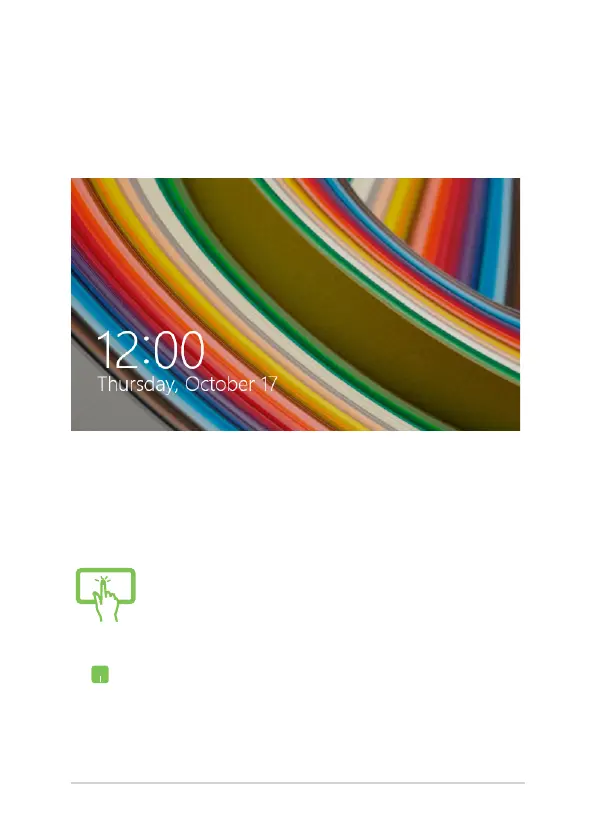
8.1 lock screen
The Windows® 8.1 lock screen appears when you wake your Notebook
PC from sleep or hibernate mode. It also appears when you lock or
unlock Windows® 8.1.
The lock screen can be customized to regulate access to your operating
system. You can change its background display and access some of your
apps while your Notebook PC is still locked.
To proceed from the lock screen
or
1. Tap/click on the touchpad or press any key on
your Notebook PC's keyboard.
2. (optional) If your account is password-protected,
you need to key in the password to continue to
the Start screen.






 To Next Page