ASUS Transformer Book Trio E-Manual
65
Launching the Apps screen
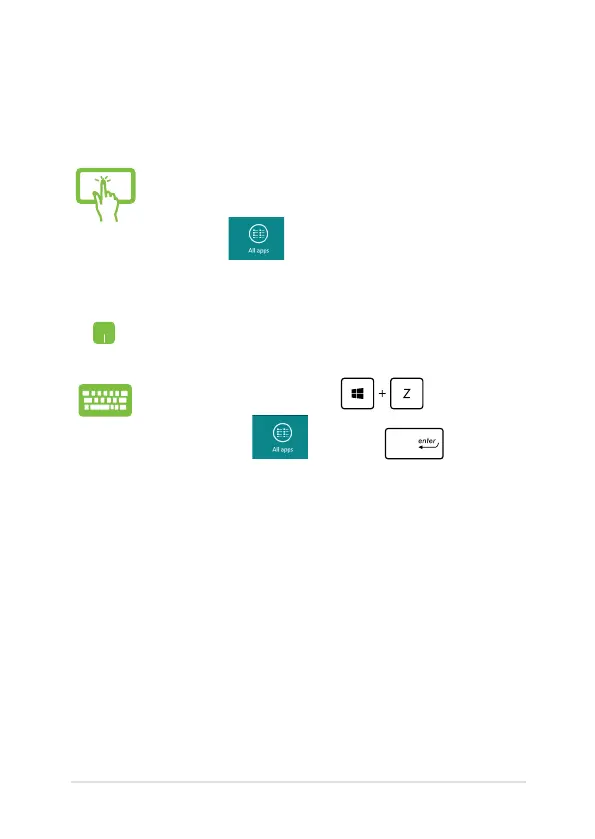
Launch the Apps screen using your ASUS Transformer Book Trio's touch
screen panel, touchpad, or keyboard.
1. Swipe from the top or bottom edge of the screen
to launch the All Apps bar.
2. Tap to show all installed apps in your
ASUS Transformer Book Trio.
Swipe from the top edge to launch the All Apps bar.
From the Start screen, press to select the
All Apps icon then press .













 To Next Page