42
ASUS Transformer Book Trio E-Manual
Touch screen gestures for Android®
NOTE: The following screenshots are for reference only. The screen
panel’s appearance may vary depending on model and the OS may vary
depending on the Android® version.
Drag/Tap and hold/Long press
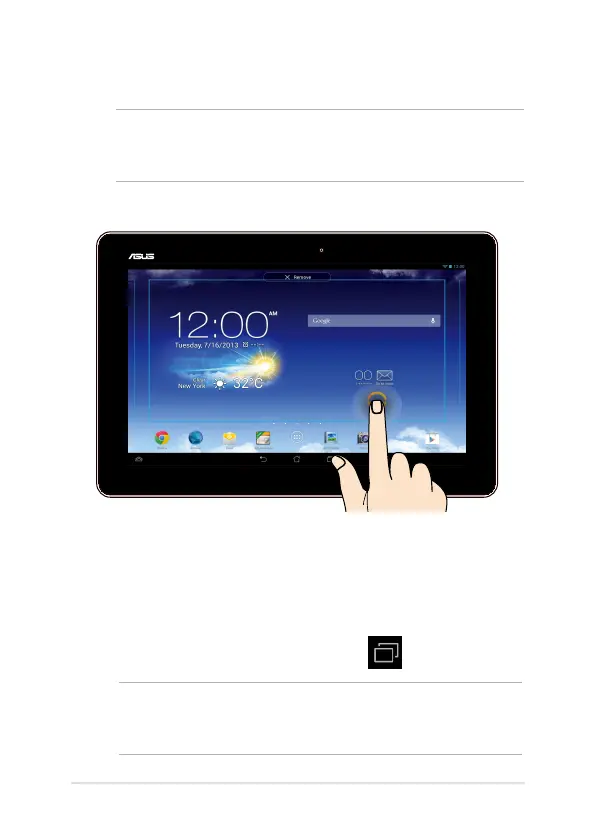
• To move an app, tap and hold the app and drag it to a new
location.
• To delete an app from the main screen, tap and hold the app and
drag it up to the top side of the screen.
• To capture a screen image, tap and hold .
NOTE: To enable this setting, go to Settings > ASUS Customized
Setting then tick Capture screenshots by holding the recent apps
key.













 To Next Page