Notebook PC User Manual
49
Using the touchpad
The touchpad allows you to use one-finger and multi-finger gestures
to move the pointer so you can select and click items, rotate and
zoom images, scroll lists, as well as swipe and switch between
windows.
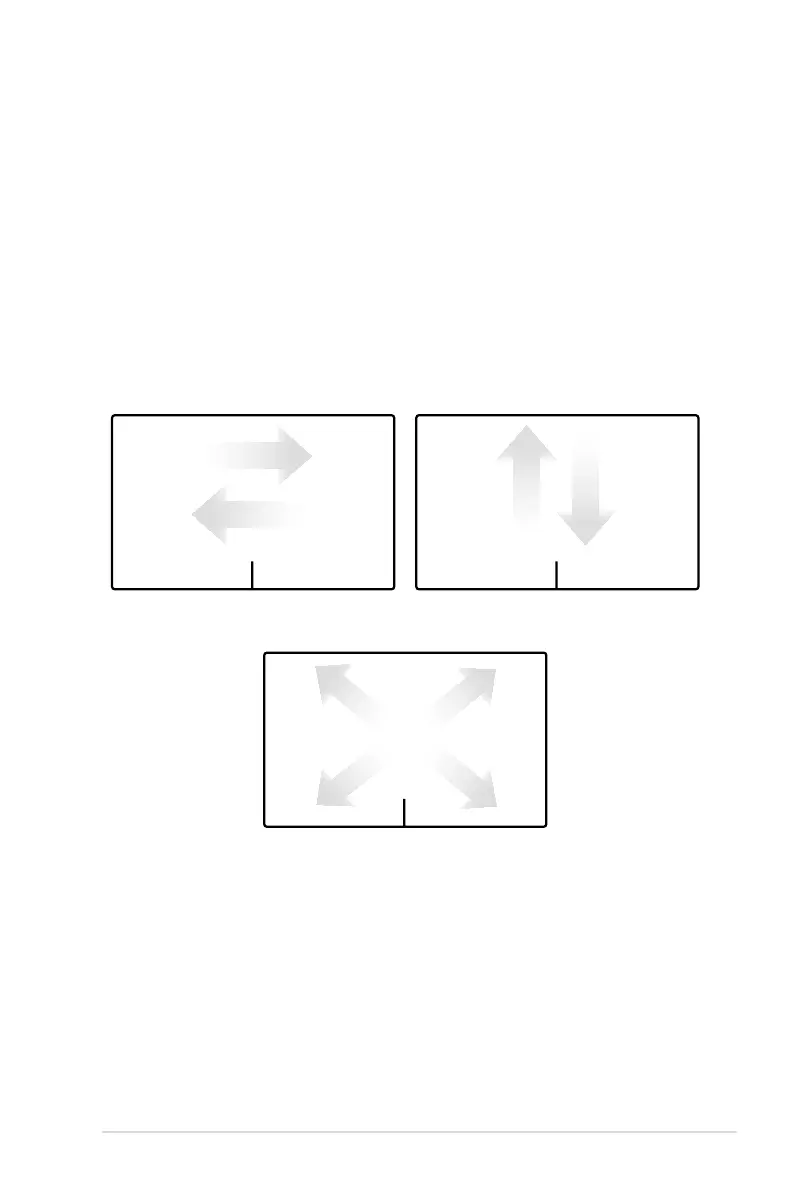
Moving the pointer
You can tap or click anywhere on the touchpad to activate its
pointer, then slide your finger on the touchpad to move the pointer
onscreen.
Slide horizontally Slide vertically
Slide diagonally


 To Next Page