Setup
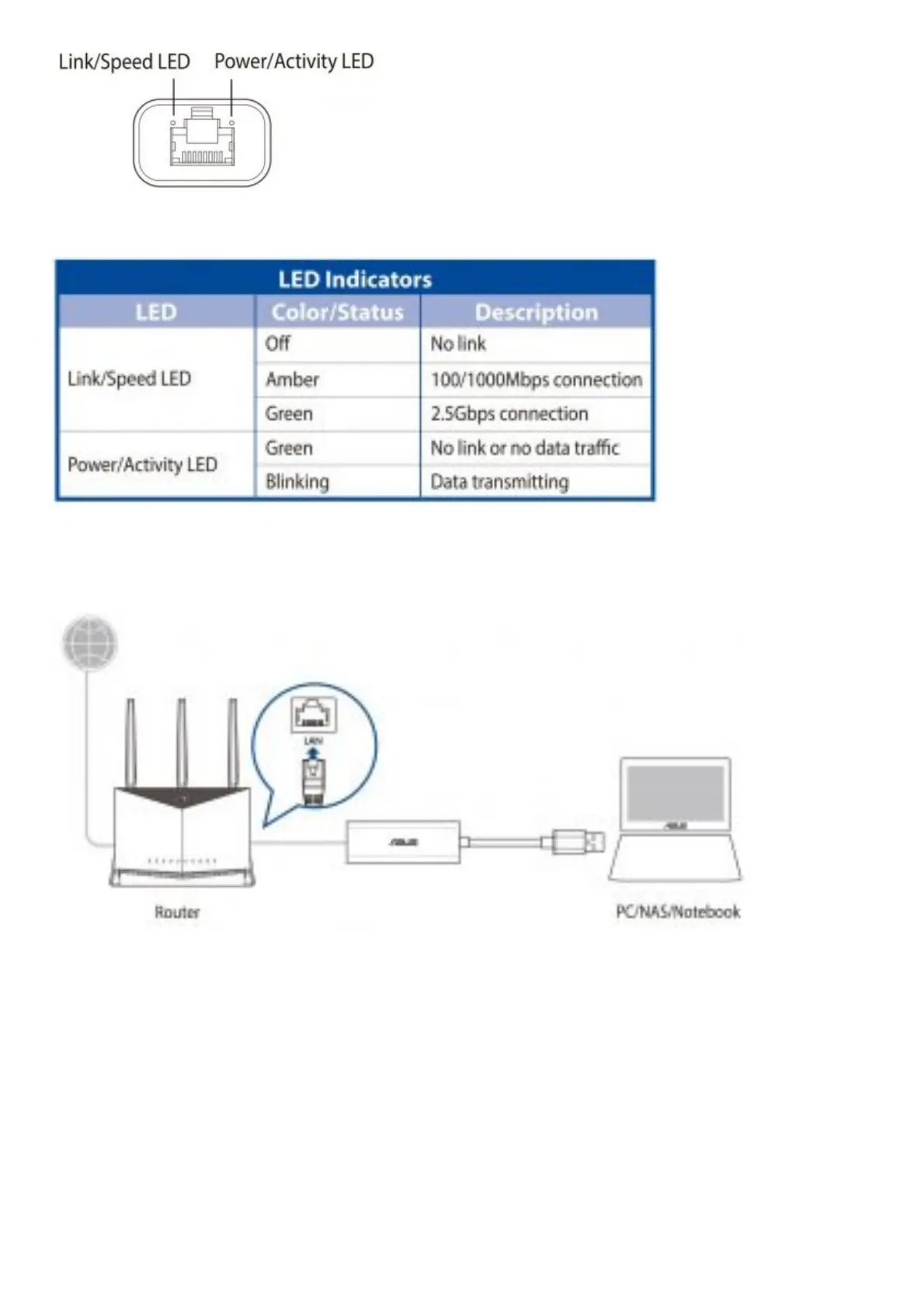
Setting up a Home Network
MAC OS / Linux:
Supports plug-and-play function with no need to install a driver
Windows®:
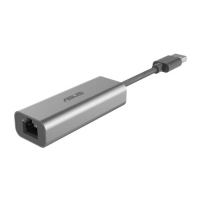
1. Connect USB-C2500 to a USB port on your device, and connect the Ethernet port to your router or modem with
a Cat5E, Cat6, or Cat6A network cable. Wait till the following screen appears.
2. Click Install or run program from your media to start driver installation automatically.


 To Next Page