
 To Next Page
S
Sarah WhiteSep 3, 2025
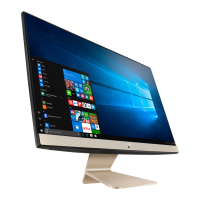
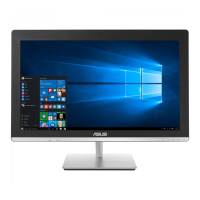
How to troubleshoot 'no power' issue on Asus V32CD Desktop?
- KkarenmclaughlinSep 3, 2025
If your Asus Desktop has no power and the power indicator is off, set your computer’s power voltage switch to your area’s power requirements. Press the power key on the front panel to ensure that your computer is turned on. Ensure that the power cord is properly connected. Use other compatible power cord.
 General