EasyManua.ls Logo

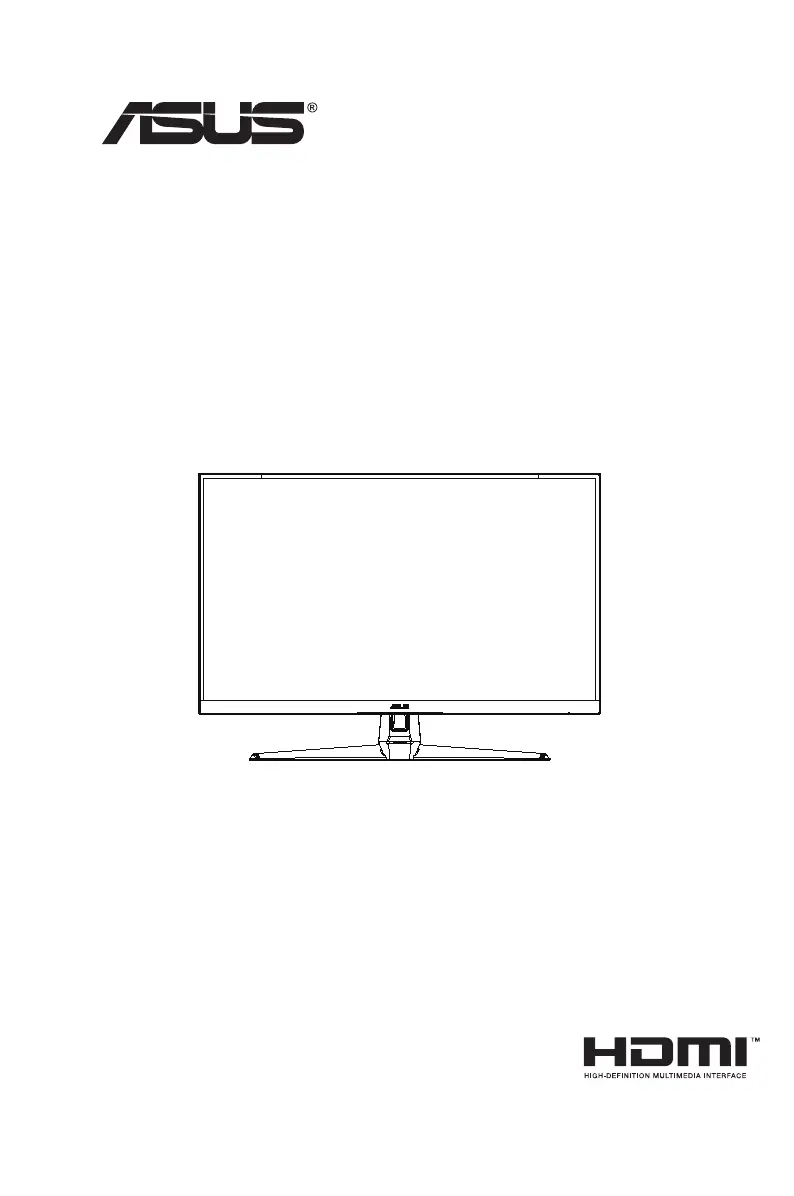
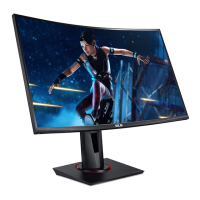
Asus VG271B Series - User Manual

Asus VG271B Series
28 pages
Print Icon
To Next Page IconTo Next Page
Loading...
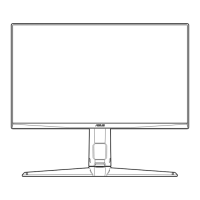
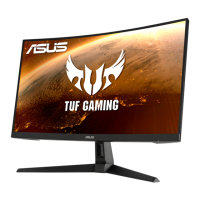
VG271B Series
LCD Monitor
User Guide

Questions and Answers

  • M
    Mrs. Autumn RamirezAug 9, 2025
    What to do if my Asus Monitor has power but no video?
    • T
      Thomas ThomasAug 10, 2025
      If your Asus monitor's power LED is white but there's no video, try these troubleshooting steps: First, check if the power button works. If not, consider replacing the main board or the power board and its connection. Also, inspect the LVDS/FFC cable or panel and replace if necessary. Finally, try replacing the keyboard.
  • H
    Henry JacksonAug 26, 2025
    How to fix an Asus VG271B Monitor that has no power?
    • J
      Jacob HarperAug 26, 2025
      If your Asus monitor isn't powering on, try these steps: First, ensure the power cable is securely plugged in. Then, check that the power switch is turned on. Verify the LED indicator is working correctly. If these steps don't work, you may need to replace the power board, main board, or keyboard, checking connections each time.

Asus VG271B Series Specifications

General IconGeneral
Screen Size27 inches
Refresh Rate144 Hz
Refresh Rate (OC)165 Hz
Response Time1 ms
Response Time (MPRT)1 ms
Panel TypeIPS
Brightness250 cd/m²
Contrast Ratio1000:1
Ports3.5 mm Headphone Jack
VESA Mount100 x 100 mm
Viewing Angle (H)178°
Viewing Angle (V)178°
Resolution1920 x 1080
ConnectivityHDMI, DisplayPort
Adaptive SyncFreeSync

Related product manuals