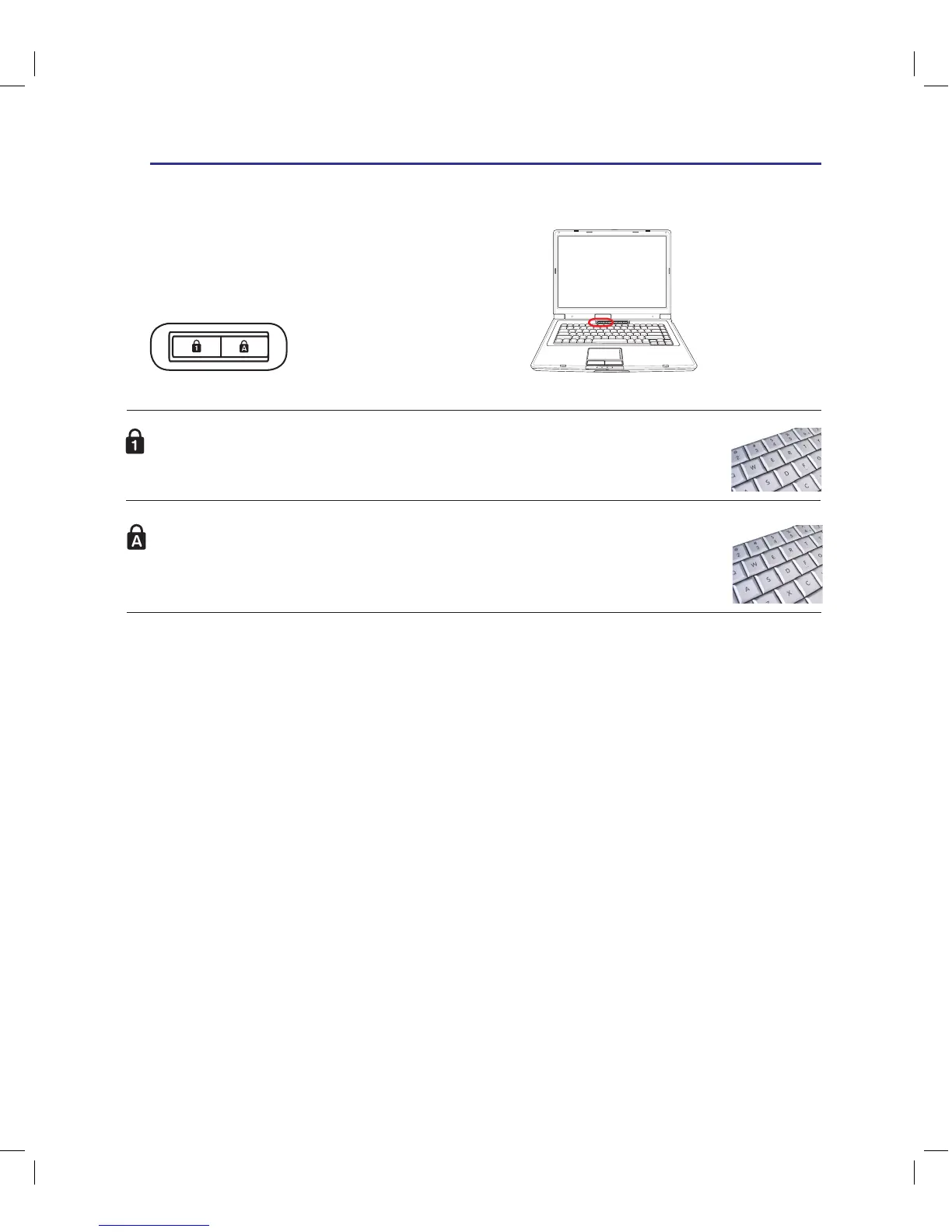
Capital Lock Indicator
Indicates that capital lock [Caps Lock] is activated when lighted. Capital lock allows some
of the keyboard letters to type using capitalized letters (e.g. A, B, C). When the capital
lock light is OFF, the typed letters will be in the lower case form (e.g. a,b,c).
Number Lock Indicator
Indicates that number lock [Num Lk] is activated when lighted. Number lock allows some
of the keyboard letters to act as numbers for easier numeric data input.
Switches and Status Indicators (cont.)
Status Indicators (cont.)
Top



 To Next Page