29
Chapter 2: There’s no place like Home
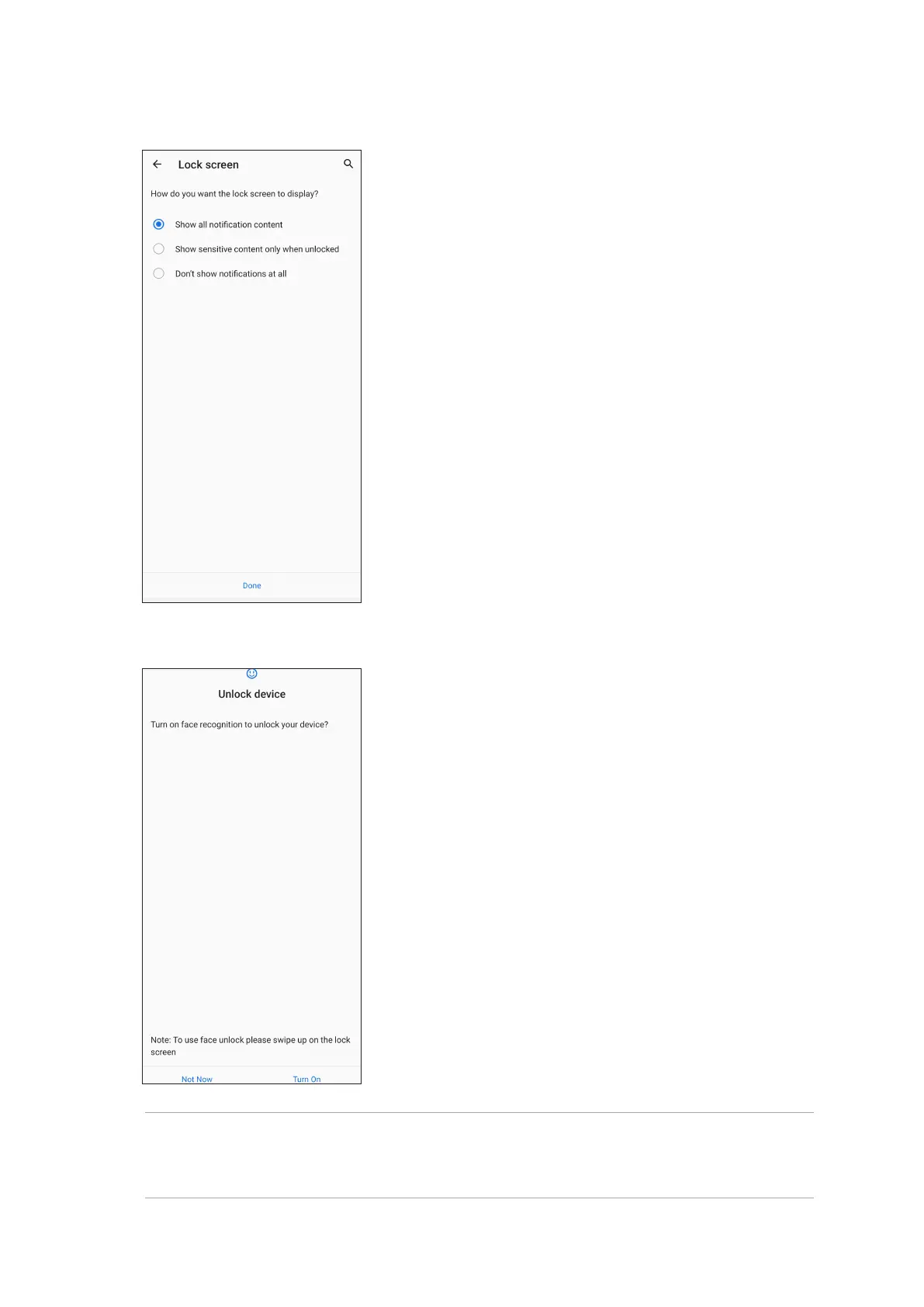
6. Select how you want to display your notications on the lock screen, then tap Done.
NOTES:
• Show your mouth, nose and opened eyes while using face unlock feature.
• Wearing sunglasses or insucient light will lead to failure of face unlock.
7. When nished, tap Turn On to enable face recognition to unlock your phone.


 To Next Page