73
Chapter 10: Maintain your Zen
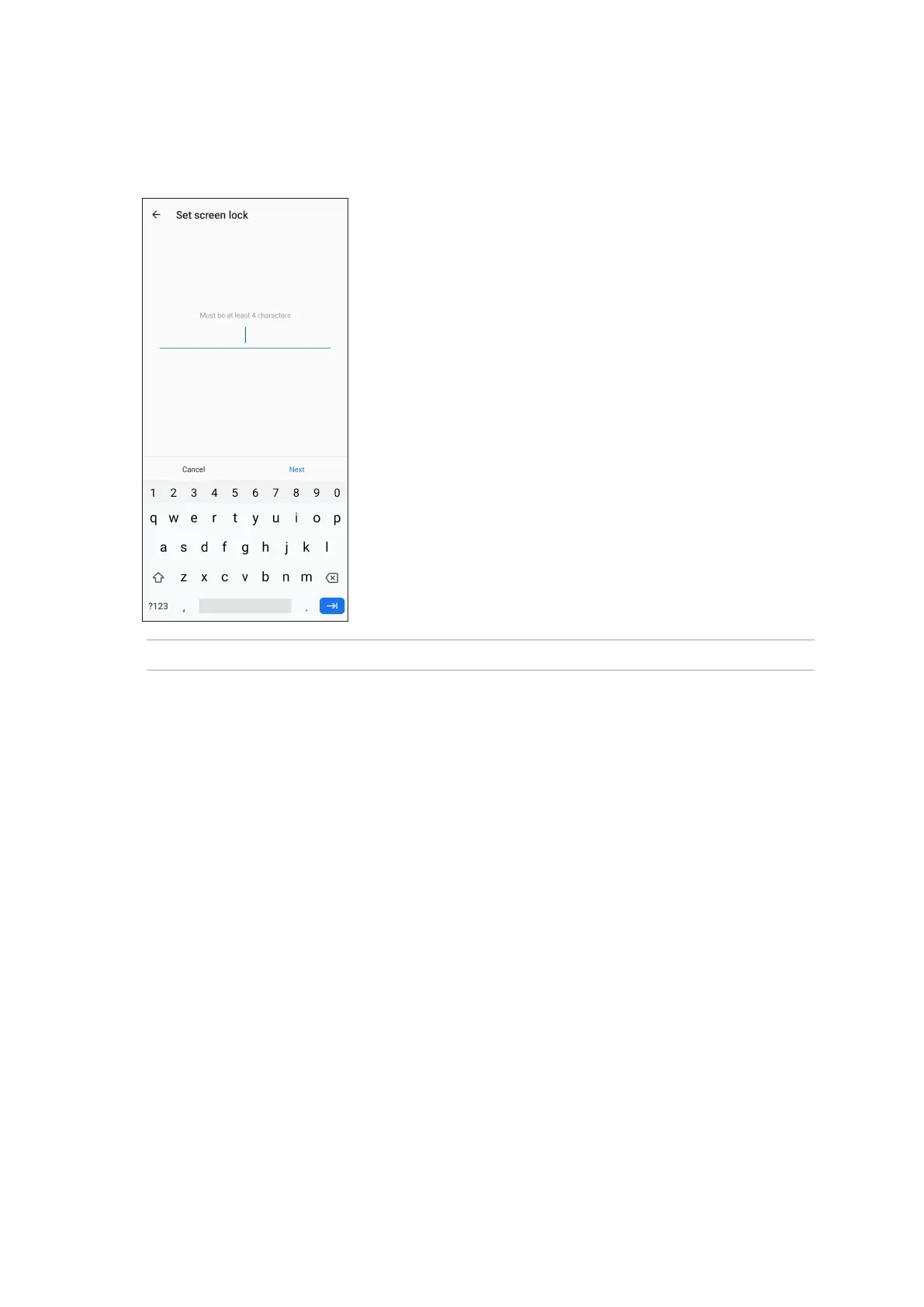
Password
Key in at least four characters to create a password.
IMPORTANT! Ensure to remember the password that you created to unlock your device.
Setting your ASUS Phone identity
Know your ASUS Phone’s identity such as serial number, IMEI (International Mobile Equipment
Identity) number, or model number.
This is important, as when you may lose your ASUS Phone, you can contact your mobile carrier and
provide the information to blacklist the unauthorized use of your ASUS Phone.
To display your ASUS Phone’s identity:
1. Swipe up on your Home screen then tap Settings.
2. On the Settings screen, slide down to display other items then tap System > About phone.
The About screen displays the status, legal information, device name, operating system version,
hardware, and software information of your ASUS Phone.
3. To see the serial number, SIM contact number, and IMEI of your ASUS Phone, tap Status.














 To Next Page