EasyManua.ls Logo

ATA NeoSlider NES-500 - User Manual

ATA NeoSlider NES-500
28 pages
Print Icon
To Next Page IconTo Next Page
Loading...
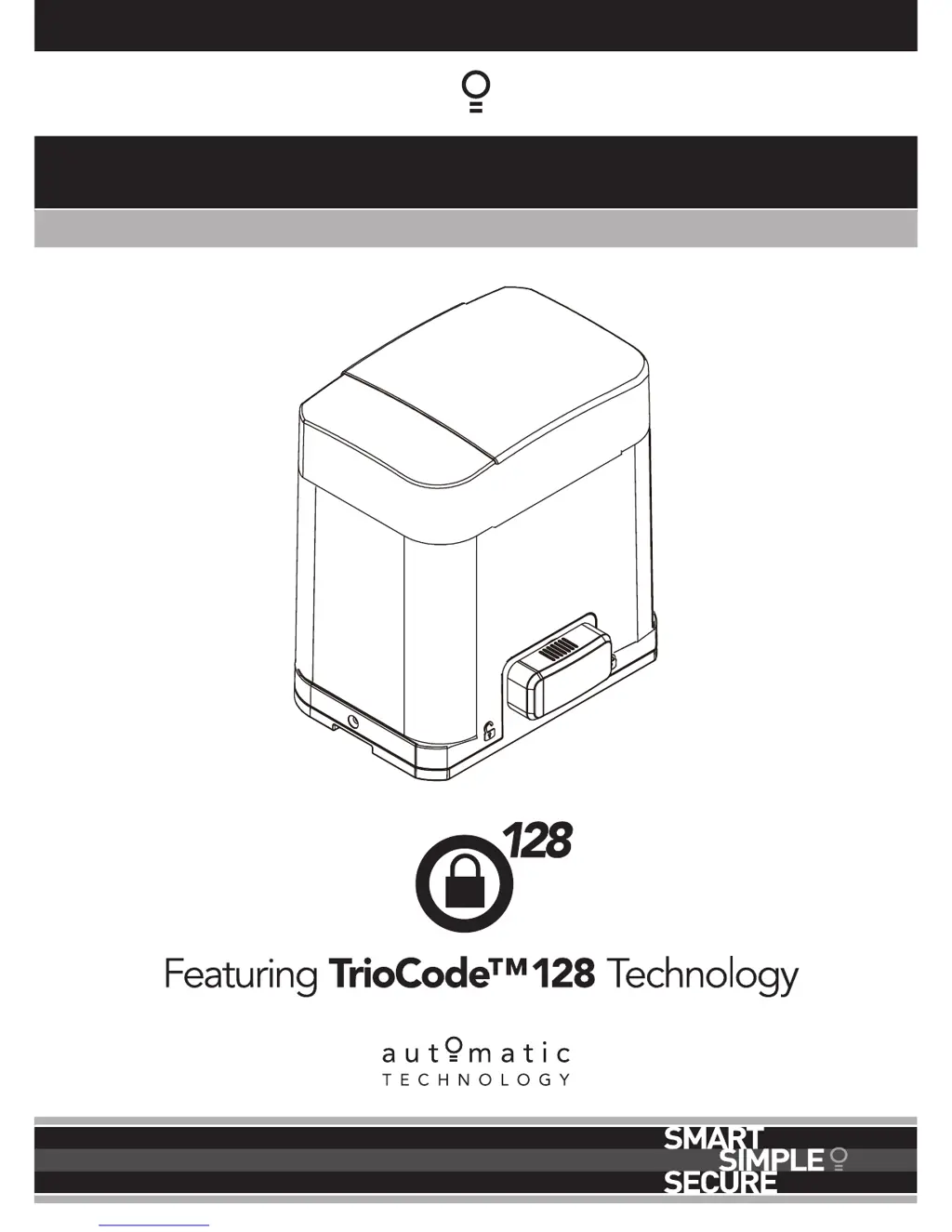
NeoSlider
TM
NES-500 & NES-800 Sliding Gate Openers
Ne Slider
Doc # 160065_03
Part # 13448
Released 17/03/17

Table of Contents

Questions and Answers

Summary

1. Important Safety Instructions

General Safety Warnings

Crucial safety guidelines and warnings to prevent injury and damage during operation.

Electrical Safety Precautions

Essential safety measures to prevent electrical hazards and shock.

Entanglement and Laceration Hazards

Warnings about risks of entanglement or laceration from the moving gate mechanism.

2. Control Board Layout

Control Board Components and Terminals

Identification and explanation of all components and terminals on the control board.

3. Set Up Requirements

Kit Contents

Lists all items included in the NeoSlider™ gate opener kit.

Setup Configuration Options

Guidance on selecting the appropriate setup configuration for the gate opener.

Pre-Installation Checks

Essential checks for the gate and mounting location before installation.

4. Drive Unit Installation

Mounting the Drive Unit

Detailed procedure for mounting the main drive unit and base plate.

Antenna Installation

Instructions for correctly positioning and mounting the receiver antenna.

5. Rack & Limit Actuator Installation

Mounting the Gate Rack

Steps for securely attaching the gate rack to the sliding gate.

Installing Limit Actuators

How to attach limit actuators to the gate rack for position sensing.

6. Programming The NeoSlider

Common Program Configurations

Overview of standard setup programs and their required menus.

Initial Power-Up Sequence

Instructions for initial power-up and startup sequence of the controller.

7. Safety Beams

Safety Beam Installation and Configuration

Steps for installing and configuring safety beams with the gate opener.

Safety Beam Failure Emergency Close (SBFEC)

How to use SBFEC mode when safety beams are faulty.

8. Setting Limits

Setting Travel Limits

Procedure to set the gate's maximum open and close travel positions.

Installation Side Setting

Configuring the opener for left or right-hand gate installation.

Setting Close Travel Limit

Method for setting the precise close position of the gate.

Setting Open Travel Limit

Method for setting the precise open position of the gate.

Automatic Limit Adjustment

How the opener learns gate characteristics for smooth operation.

Pedestrian Access Position

Setting a partial open position for pedestrian access.

Travel Limit Setting Errors

Troubleshooting common errors during limit setting.

Recalculate Force Margins

Re-learning gate force margins after adjustments or changes.

9. Safety Obstruction Force Test

Testing Close Cycle Obstruction Force

How to test the gate's stopping force when closing.

Testing Open Cycle Obstruction Force

How to test the gate's stopping force when opening.

Adjusting Force Pressure

Adjusting the force margin settings for open and close cycles.

Reprofiling Gate Travel

Re-learning gate travel characteristics for optimal performance.

10. Coding Transmitter

Coding Transmitter Buttons

Step-by-step guide to assigning functions to transmitter buttons.

Selecting Button Functions

Choosing specific functions for each transmitter button.

Returning to Main Screen

How to exit programming menus and return to the main display.

Coding New Transmitters

Method for coding new transmitters using an existing one.

11. Emergency Release

Gate Operation Limitations

Conditions under which the gate opener cannot operate the gate or when it can be used.

Disengaging the Opener

Step-by-step guide to manually disengage the gate opener.

Re-engaging the Opener

Step-by-step guide to manually re-engage the gate opener.

12. Setting Pedestrian Position

Setting Pedestrian Position

Procedure to set the specific pedestrian access position.

Pedestrian Position Confirmation

Confirmation of the pedestrian position setting.

Pedestrian Position Error Displays

Understanding error messages during pedestrian position setting.

13. Auto-Close Mode

Standard Auto-Close Setup

Configuring the default auto-close timer after a vehicle leaves.

Safety Beam Triggered Auto-Close

Enabling auto-close after safety beam activation.

Pedestrian Auto-Close Function

Auto-closing the gate after pedestrian access.

Auto-Close After Obstructions

Enabling auto-close following obstructions.

14. Accessories Installation

Fitting Magnetic or Solenoid Locks

How to install and wire magnetic or solenoid locks.

Fitting Courtesy Lights

How to install and wire courtesy lights.

15. Battery Replacement

Removing Transmitter Battery

Steps to safely remove the transmitter battery.

16. Battery Disposal

17. Specifications

18. Troubleshooting

19. Appendix A - Console Menu Structure

Appendix B - Viewing & Editing Parameters

Appendix C - Control Board Adjustments

Appendix D - Diagnostic Tools

Appendix E - Memory Tools

Appendix F - Transmitter Editing

Appendix G - Transmitter Management

20. Warranty and Exclusion of Liability

ATA NeoSlider NES-500 Specifications

General IconGeneral
BrandATA
ModelNeoSlider NES-500
CategoryGate Opener
LanguageEnglish

Related product manuals