Getting started
9
IMPORTANT INFORMATION
f Use only the power adapter(s) supplied with this product. To
order a replacement power adapter, visit our website at
www.telephones.att.com or call 1 (800) 222-3111.
In Canada, dial 1 (866) 288-4268. For more detailed
instructions, refer to the online Complete user’s manual at
www.telephones.att.com/manuals.
f The power adapters are intended to be correctly oriented in a
vertical or oor mount position. The prongs are not designed
to hold the plug in place if it is plugged into a ceiling, under-the-
table or cabinet outlet.
Avoid placing the telephone base and charger too close to:
f Communication devices such as television sets, VCRs, or other
cordless telephones.
f Excessive heat sources.
f Noise sources such as a window with trac outside, motors,
microwave ovens, refrigerators, or uorescent lighting.
f Excessive dust sources such as a workshop or garage.
f Excessive moisture.
f Extremely low temperature.
f Mechanical vibration or shock such as on top of a washing
machine or workbench.
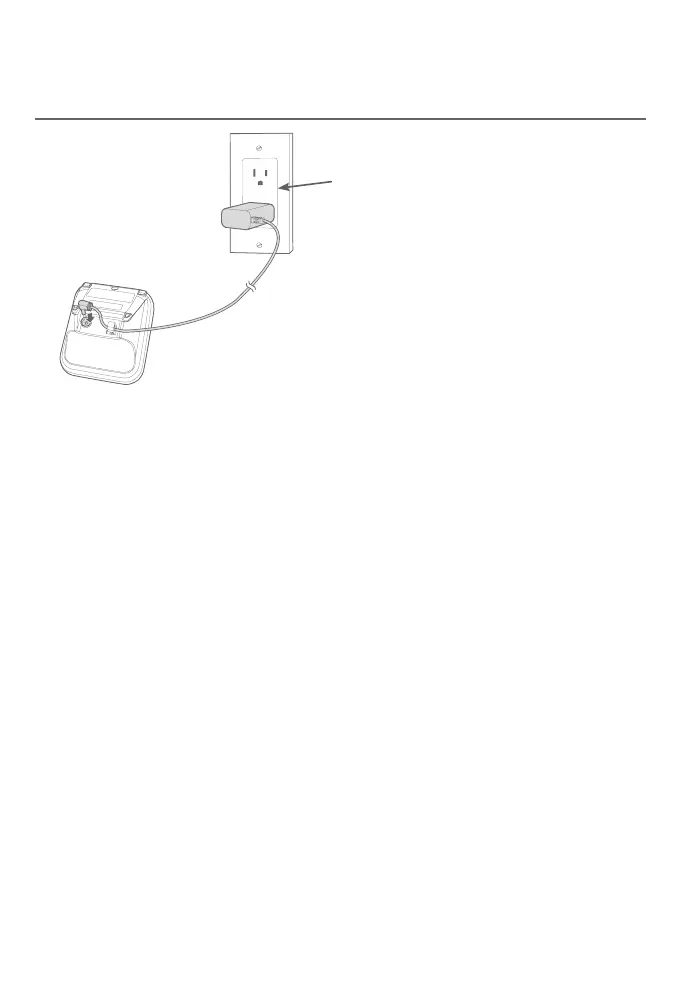
Charger installation
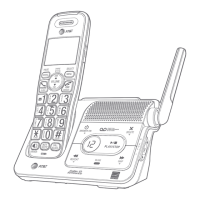
Telephone base and charger installation
Plug the power adapter into a
power outlet not controlled by a
wall switch.


 To Next Page
 Loading...