23
Two-touch memory
Two-touch memory overview and
storage
Two-touch memory overview
This telephone has 10 two-touch memory
locations (speed dial locations) where you can
store telephone numbers you wish to dial using
fewer keys than usual.
Each two-touch memory location can store a
telephone number with up to 24 digits.
Two-touch memory storage
Use the following steps to store a telephone
number in a desired two-touch memory location.
When the telephone is idle, press MEM.
Press DIR/ or CID/ until STORE is blinking.
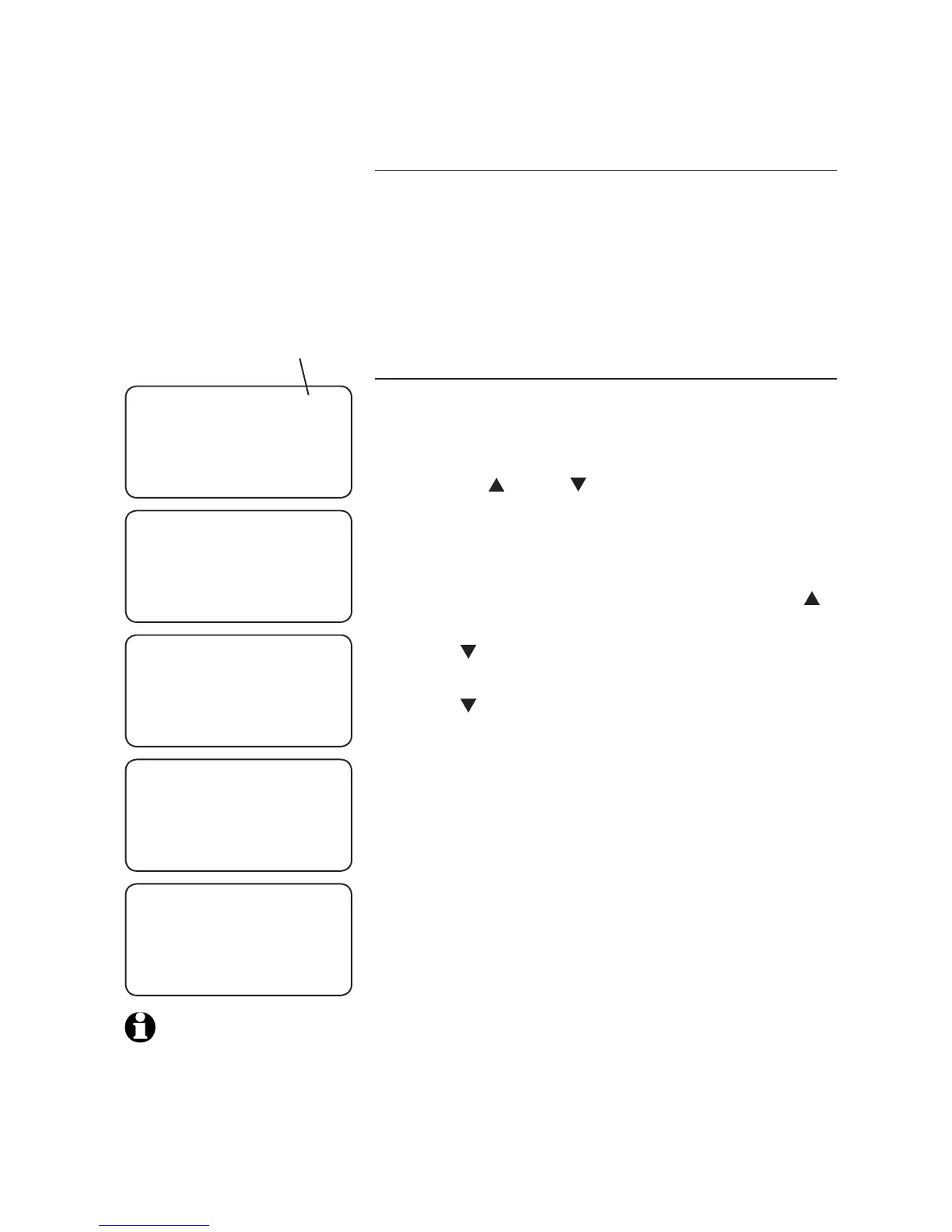
Press SELECT, the screen shows ENTER NUMBER.
Use the dial pad keys to enter the telephone
number (up to 24 digits).
To backspace and erase a digit, press DIR/ .
To insert a space between digits, press
CID/ . A dash appears on the screen.
To insert a three-second dialing pause, press
CID/ twice. A P appears on the screen.
To insert a flash signal for using the service
supplied by your telephone service provider,
press FLASH. An F appears on the screen.
To copy the last number dialed (up to 24
digits), press REDIAL.
Press SELECT. The screen shows
ENTER LOCATION?
Press a dial pad key (0 through 9) to choose
the desired two-touch memory location for the
new entry. The screen shows STORED and then
ENTER NUMBER.
Repeat steps 4 through 6 above to store a
number in another two-touch memory location.
-OR-
Press REMOVE to return to idle mode.
1.
2.
3.
4.
•
•
•
•
•
5.
6.
7.
Two-touch memory
ENTER NUMBER
8888832445_
ENTER LOCATION?
STORED
ENTER NUMBER
_
NOTE: If you enter
more than 24 digits in
a telephone number in
step 4, the screen shows
ONLY 24 ALLOWED.
REVIEW STORE
blinking


 To Next Page