Getting started
2
Quick reference guide - handset
Main menu
> Highlights a menu
item.
>DIRECTORY
CALL LOG
Main menu
ANS. SYSTEM (only available for
models with answering system)
DIRECTORY
CALL LOG
RINGER VOLUME
RINGER TONE
KEY TONE
LCD LANGUAGE
SET DATE/TIME
CLR VOICEMAIL
HOME AREA CODE
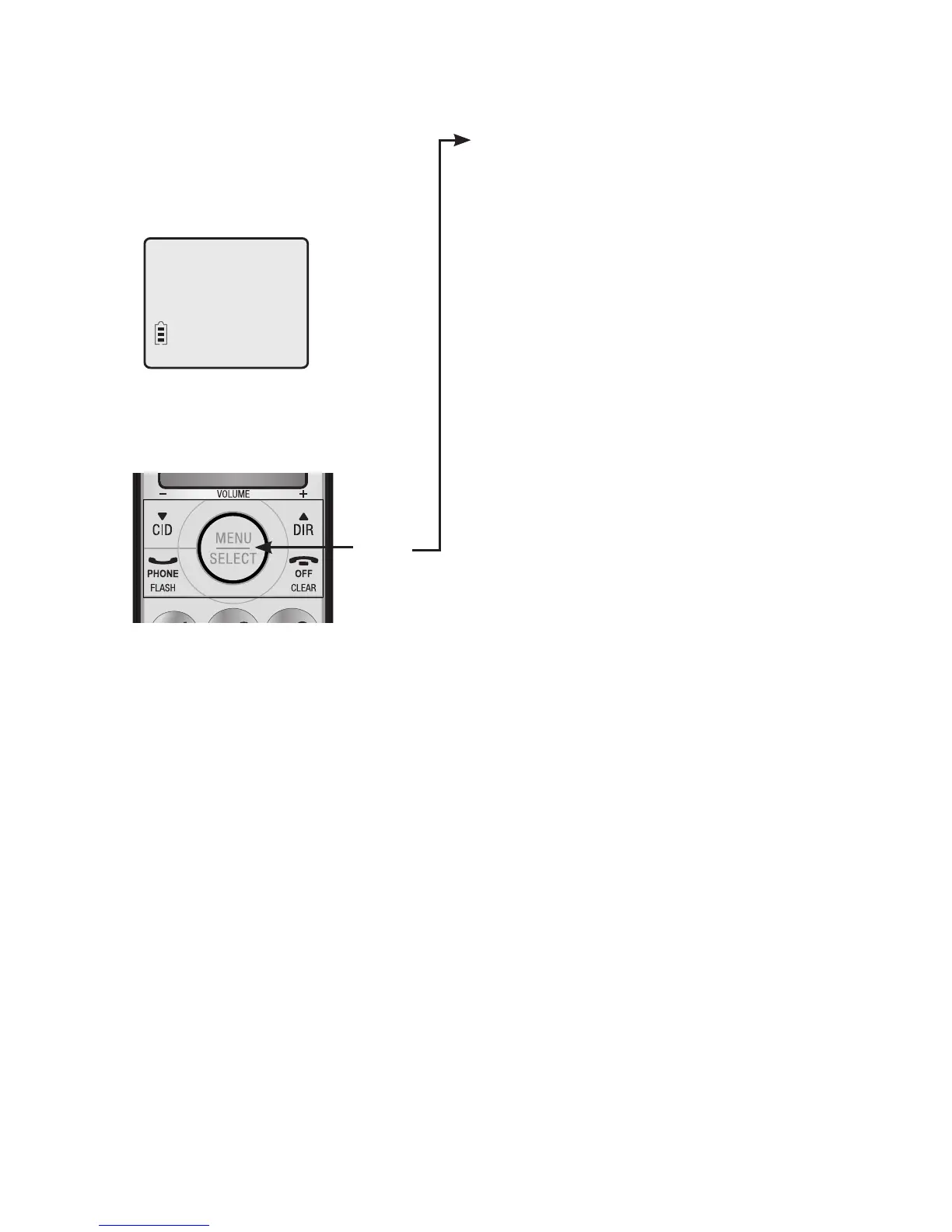
Using menus
Press MENU/SELECT to show the
main menu.
Press qCID or DIRp to scroll
through menu items.
Press MENU/SELECT to select or
save changes to a highlighted
menu item.
Press OFF/CLEAR to cancel
an operation, back up to the
previous menu, or exit the menu
display.
Menu
For complete instructions, please refer to the manual provided with
your CL81109/CL81209/CL81309/CL82109/CL82209/CL82309/
CL82359/CL82409/CL82509/CL82609/CL82659/CL82859/
CL84109/CL84209/CL84309 telephone. If you are unable to find
your manual, go to www.telephones.att.com to read and/or
download the manual.


 To Next Page
 Loading...