EasyManua.ls Logo

Atari 400 - Page 170

Atari 400
244 pages
Print Icon
To Next Page IconTo Next Page
To Previous Page IconTo Previous Page
Loading...
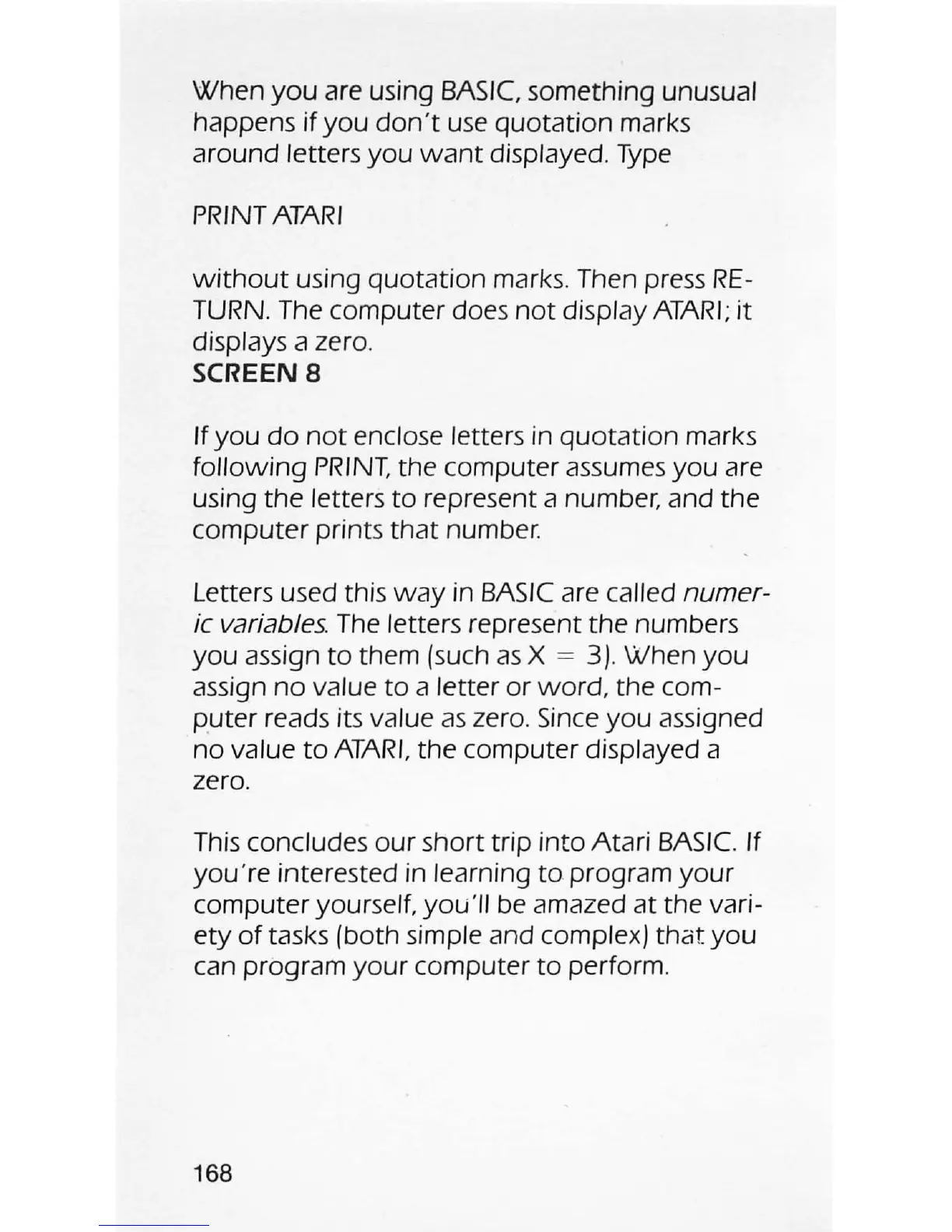
When
you
are using
BASIC,
something unusual
happens
if
you
don't
use
quotation marks
around
letters you
want
displayed.
Type
PRINT
ATARI
without
using
quotation
marks. Then press
RE-
TURN. The computer does
not
display
ATARI;
it
displays a zero.
SCREEN
8
If
you
do
not
enclose letters in
quotation
marks
following
PRINT.
the computer assumes
you
are
using the
letters
to
represent a number, and the
computer prints
that
number.
Letters used this
way
in
BASIC
are called
numer-
ic variables.
The
letters represent the numbers
you
assign
to
them (such
as
X =
3)
. When
you
assign
no
value
to
a letter or
word
, the com-
puter reads its
value
as
zero.
Since
you
assigned
no
value
to
ATARI,
the computer displayed a
zero.
This
concludes
our
short trip into Atari
BASIC.
If
you're interested in learning
to
program
your
computer yourself.
you
'
ll
be
amazed
at
the vari-
ety
of
tasks (both simple and complex)
that
you
can program
your
computer
to
perform.
168