appear on the screen. Another interesting
graphics tool
is
the
light
pen. When
you
hold a
light pen up
to
the screen,
it
will
draw
a line at
that
location.
Or,
for some software programs,
you
can indicate a choice from a list
of
options
that
appears on the screen
by
IlOlding the light
pen up
to
the desired option.
In order
to
use
either a graphics tablet or a light
pen,
you
must
use
a software program
that
in-
corporates these capabilities.
Be
sure
to
ask
your
dealer
what
you
will need to
allow
these periph-
erals
to
work
properly.
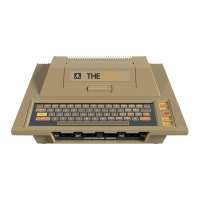
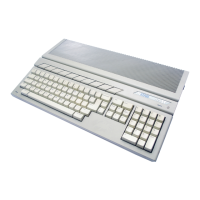
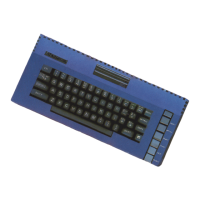
There are other peripherals available for the
Atari which have
not
been covered in this chap-
ter.
In addition,
new
devices are always being
introduced
to
the market.
To
learn more about
these,
ask
your
dealer or other Atari hobbyists,
or read
about
them in the magazines mentioned
in
Chapter 6, "Your Computer's
Network
."
191




 To Next Page