ON
DISKETTE
STEP 1
Turn on
your
TV
or
monitor.
Set
the
TV/game
switch
box
to
the COMPUTER setting, and
tune
to
the channel
you
normally
use
with
your
Atari.
STEP 2
Look
at
the
instructions
that
came
with
your
software
program. If
you
are using a program
written
in the
BASIC
language, the first step
is
to
insert a BASIC cartridge
into
your
computer. If
you
have a
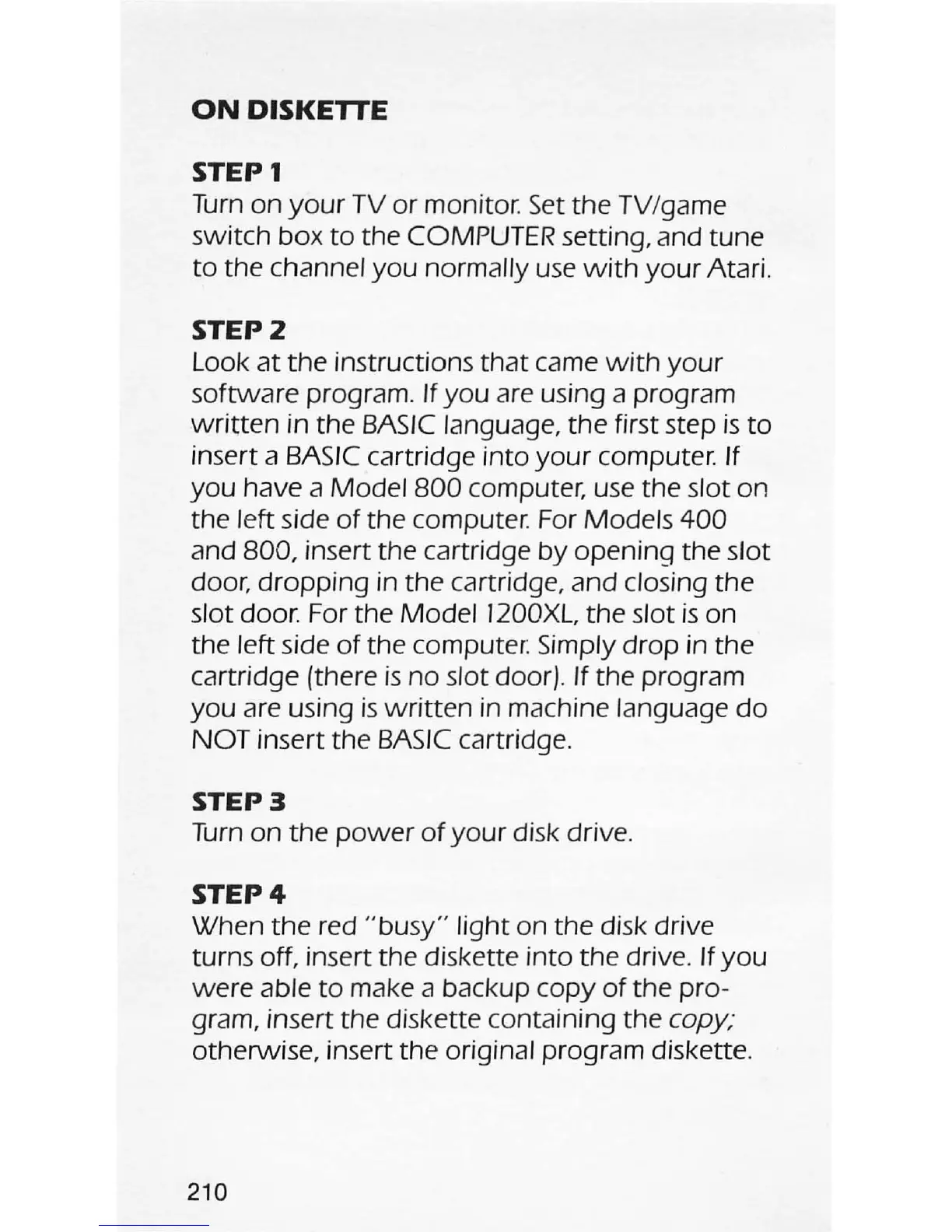
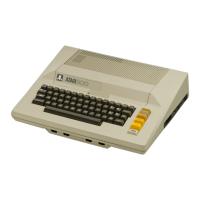
Model
800
computer,
use
the slot on
the left side
of
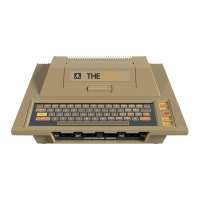
the computer. For Models
400
and 800, insert the cartridge
by
opening the slot
door,
dropping
in
the
cartridge, and closing the
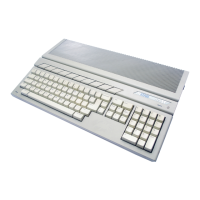
slot door. For the
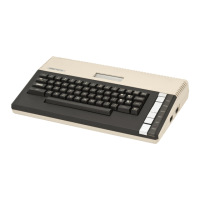
Model
1200XL,
the
slot
is
on
the left side
of
the computer: Simply
drop
in the
cartridge (there
is
no
slot door). If the program
you
are using
is
written
in machine language
do
NOT
insert the
BASIC
cartridge.
STEP 3
Turn
on
the
power
of
your
disk drive.
STEP 4
When the red
"
busy"
light
on the disk drive
turns off, insert the diskette
into
the drive. If
you
were
able
to
make a backup
copy
of
the pro-
gram, insert the diskette containing the copy;
otherwise, insert the original program diskette.
210




 To Next Page