Sounds a little
crazy,
but
it
works! (Ages
10-
Adult)
Recommended
Word
Processing
Programs
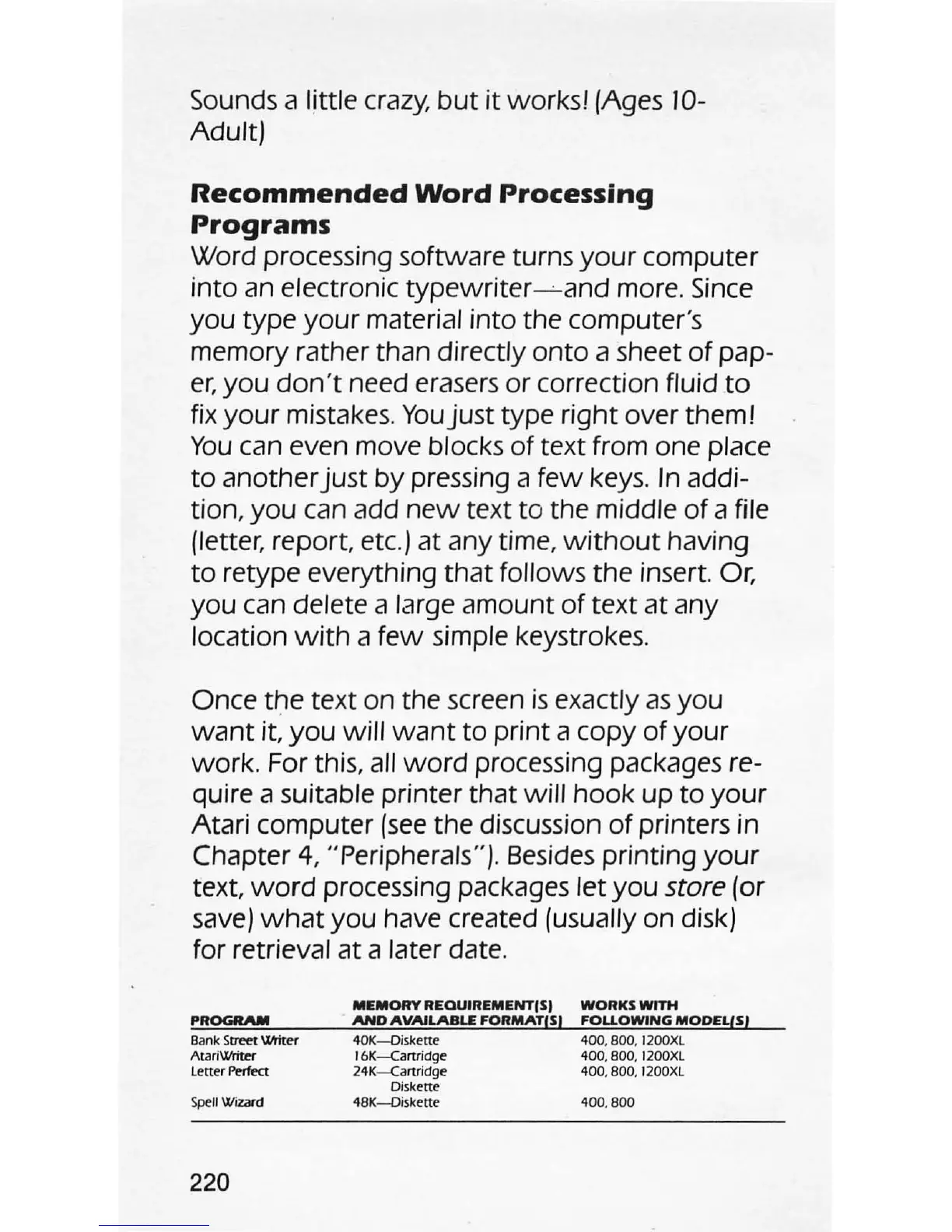
Word processing software turns
your
computer
into an electronic
typewriter
---'--and
more.
Since
you
type
your
material into the computer's
memory rather than directly
onto
a sheet
of
pap-
er,
you
don't
need erasers or correction fluid
to
fix
your
mistakes.
You
just
type right over them!
You
can even move blocks
of
text from one place
to
another
just
by
pressing a
few
keys. In addi-
tion,
you
can add
new
text
to
the middle
of
a file
petter,
report
, etc.) at any time,
without
having
to
retype everything
that
follows
the
insert. Or,
you
can delete a large amount
of
text
at
any
location
with
a
few
simple keystrokes.
Once
the
text on the screen
is
exactly
as
you
want
it,
you
will
want
to
print
a copy
of
your
work. For this, all
word
processing packages re-
quire a suitable printer that
will
hook
up
to
your
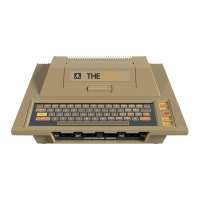
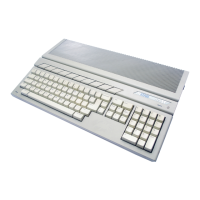
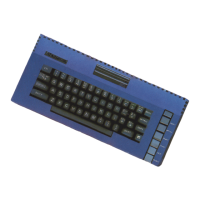
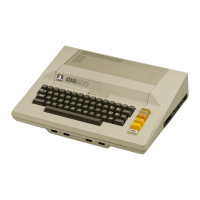
Atari computer
(see
the discussion
of
printers in
Chapter
4,
"Peripherals"
).
Besides printing
your
text,
word
processing packages
let
you
store
(or
save)
what
you
have created (usually on disk)
for retrieval at a later date.
PROGRAM
B
ank
S
b'"ee
t
"""te-r
Ata
ri~
letter PerfKt
Spe
ll
Wi=
d
220
MEMORY
REOUIREMENTISI
WORKS
WITH
AND
AVAILABLE
FORMATIS!
FOLLOWING
MODEL,S,
40K-Diskene
400
.
800
. 1200Xl
1
6K-Ca
rtri
dge
400.800.
1200Xl
24K-Ca
rtridge
400
. 800. 1200Xl
Di
sk
ette
48K-D
i
skene
400
.
800




 To Next Page