GEMDOS File System Functions
#include <osbind.h> /* For GEHDOS macro definitions */
#define F_ATTR 0 /* file attribute for FCreate() */
#define APPEND 3
#define READ o
Idefine WRITE 2
char fname[ ] = "A:\TEST.FIL";
char test[]= "This is a test file";
char add[)= "nice";
main()
{
int handle;
long status;
handle = Fcreate(fname, F_ATTR); /* create the file */
if(handle<0 ) /* if you can't, quit */
Cconws("Could not create file\n\r");
else
{ /* otherwise, write test string */
status = Fwrite(handle, 19L, test);
printf("\n%ld characters written\n\n",status);
Fclose(handle) ;
handle = Fopen(fname, READ); /* read it to be sure it's there */
status = Fread(handle, 19L, test);
test[status]=0;
Cconws(test); /* and print it out */
printf("\n\r%ld characters read\n\n",status);
Fclose(handle);
handle = Fopen(fname, APPEND); /* now change it */
status = Fseek(10L, handle, 0);
status = Fwrite(handle,4L,add);
status = Fseek(0L, handle, 0); /* and read the change */
status = Fread(handle, 19L, test);
test[status]=0;
Cconws(test); /* print it out */
printf("\n\r%ld characters read\n",status);
Fclose(handle);
)
/* if you're running this from the Desktop, you may want to
add a pause to give the user a chance to read the output * /
Cconws("\n\n\rPress any key to end");
Cconin();
)
/******** end of GFILEIO.C *****/
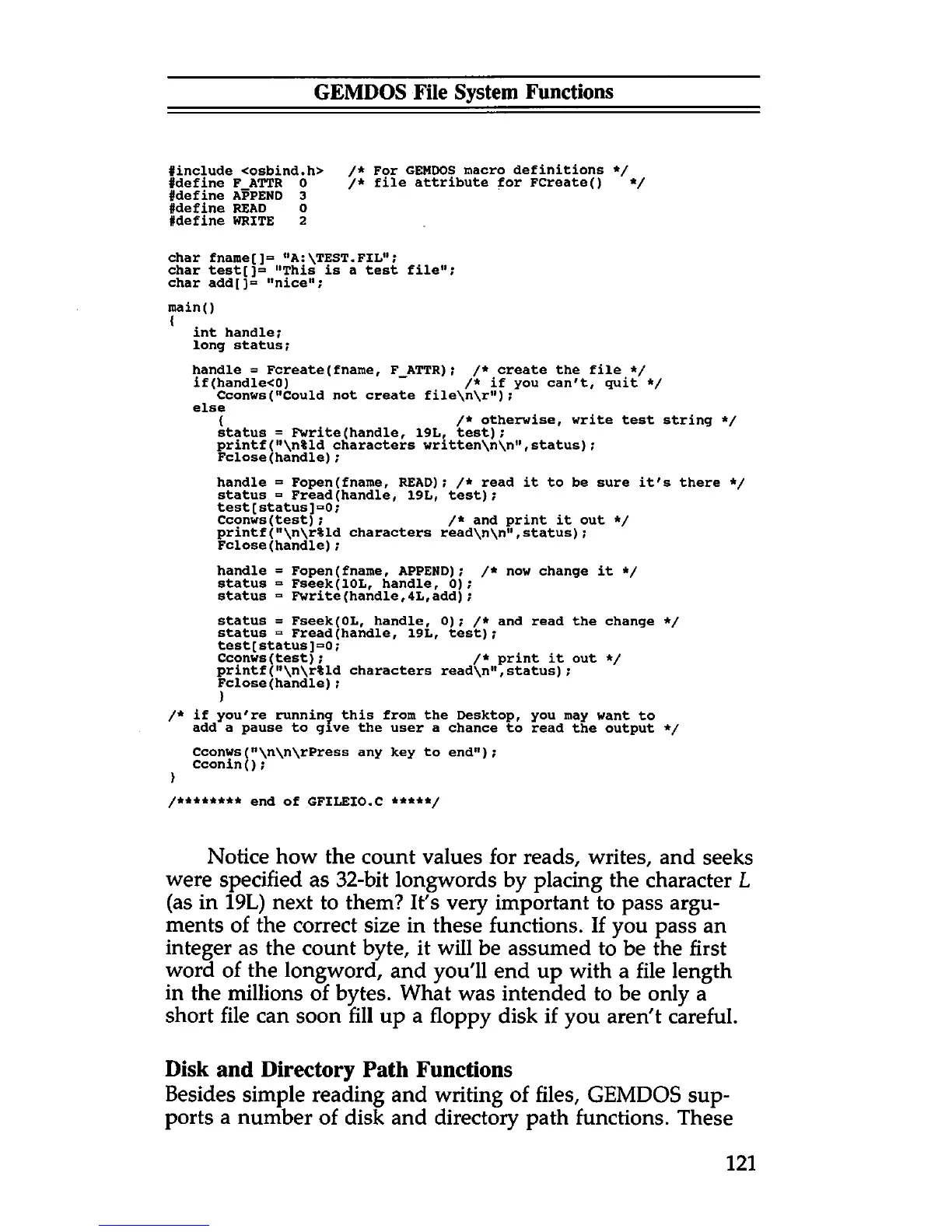
Notice how the count values for reads, writes, and seeks
were specified as 32-bit longwords by placing the character L
(as in 19L) next to them? It's very important to pass argu
ments of the correct size in these functions. If you pass an
integer as the count byte, it will be assumed to be the first
word of the longword, and you'll end up with a file length
in the millions of bytes. What was intended to be only a
short file can soon fill up a floppy disk if you aren't careful.
Disk and Directory Path Functions
Besides simple reading and writing of files, GEMDOS sup
ports a number of disk and directory path functions. These
121



 To Next Page