GEMDOS File System Functions
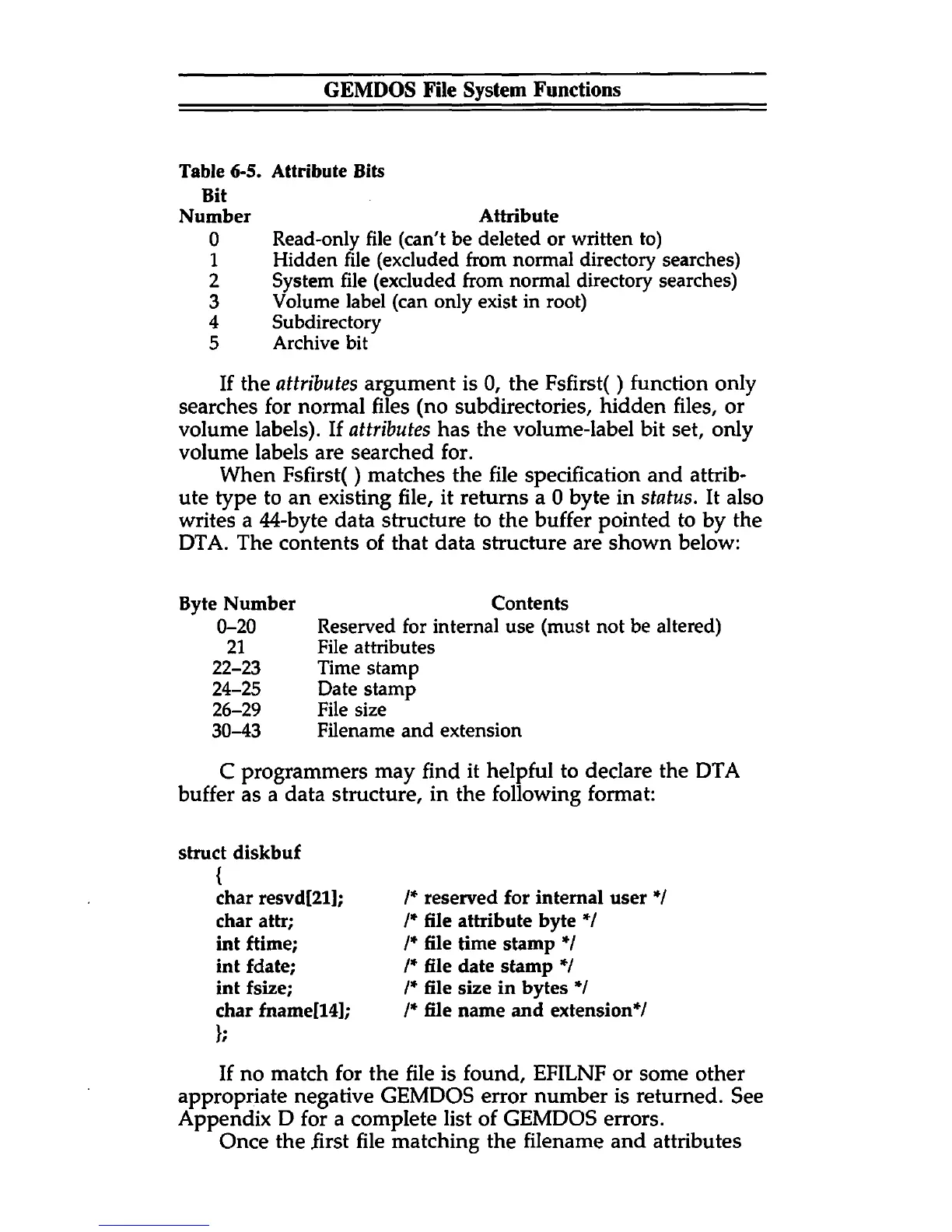
Table 6-5. Attribute Bits
Bit
Number Attribute
0 Read-only file (can't be deleted or written to)
1 Hidden file (excluded from normal directory searches)
2 System file (excluded from normal directory searches)
3 Volume label (can only exist in root)
4 Subdirectory
5 Archive bit
If the attributes argument is 0, the Fsfirst() function only
searches for normal files (no subdirectories, hidden files, or
volume labels). If attributes has the volume-label bit set, only
volume labels are searched for.
When Fsfirst() matches the file specification and attrib
ute type to an existing file, it returns a 0 byte in status. It also
writes a 44-byte data structure to the buffer pointed to by the
DTA. The contents of that data structure are shown below:
Byte Number Contents
0-20 Reserved for internal use (must not be altered)
21 File attributes
22-23 Time stamp
24-25 Date stamp
26-29 File size
30-43 Filename and extension
C programmers may find it helpful to declare the DTA
buffer as a data structure, in the following format:
struct diskbuf
{
char resvd[21];
char attr;
int ftime;
int fdate;
int fsize;
char fname[14];
};
/* reserved for internal user */
/* file attribute byte */
/* file time stamp */
/* file date stamp */
/* file size in bytes */
/* file name and extension*/
If no match for the file is found, EFILNF or some other
appropriate negative GEMDOS error number is returned. See
Appendix D for a complete list of GEMDOS errors.
Once the first file matching the filename and attributes



 To Next Page