Line A Routines
mally spent handling the line A exception. To call these sub
routines directly, however, you must first be in supervisor
mode.
Drawing Routines
The simplest of the line A functions are those used to draw
single points or straight lines on the screen. Function $A001,
Put Pixel, is used to color a single point. It requires that
three input values be set in the variable table. The first is the
horizontal (x) position of the dot, the second is the vertical
(y) position, and the third is the color register to use for the
drawing pen. The x and y positions are stored in an array of
16-bit words (in that order), and a pointer to the array is
placed in the variable PTSIN. Horizontal coordinate values
range from 0 to 639 in high- and medium-resolution modes,
and from 0 to 319 in low-resolution mode. Vertical coordi
nates range of 0 to 199 in low- and medium-resolution
modes, and from 0 to 399 in high resolution. The color regis
ter is stored as a 16-bit word, and a pointer to that word is
placed in the INTIN variable. Color register numbers range
from 0 to 15 in low resolution, 0 to 3 in medium resolution,
and 0 to 1 in high resolution mode.
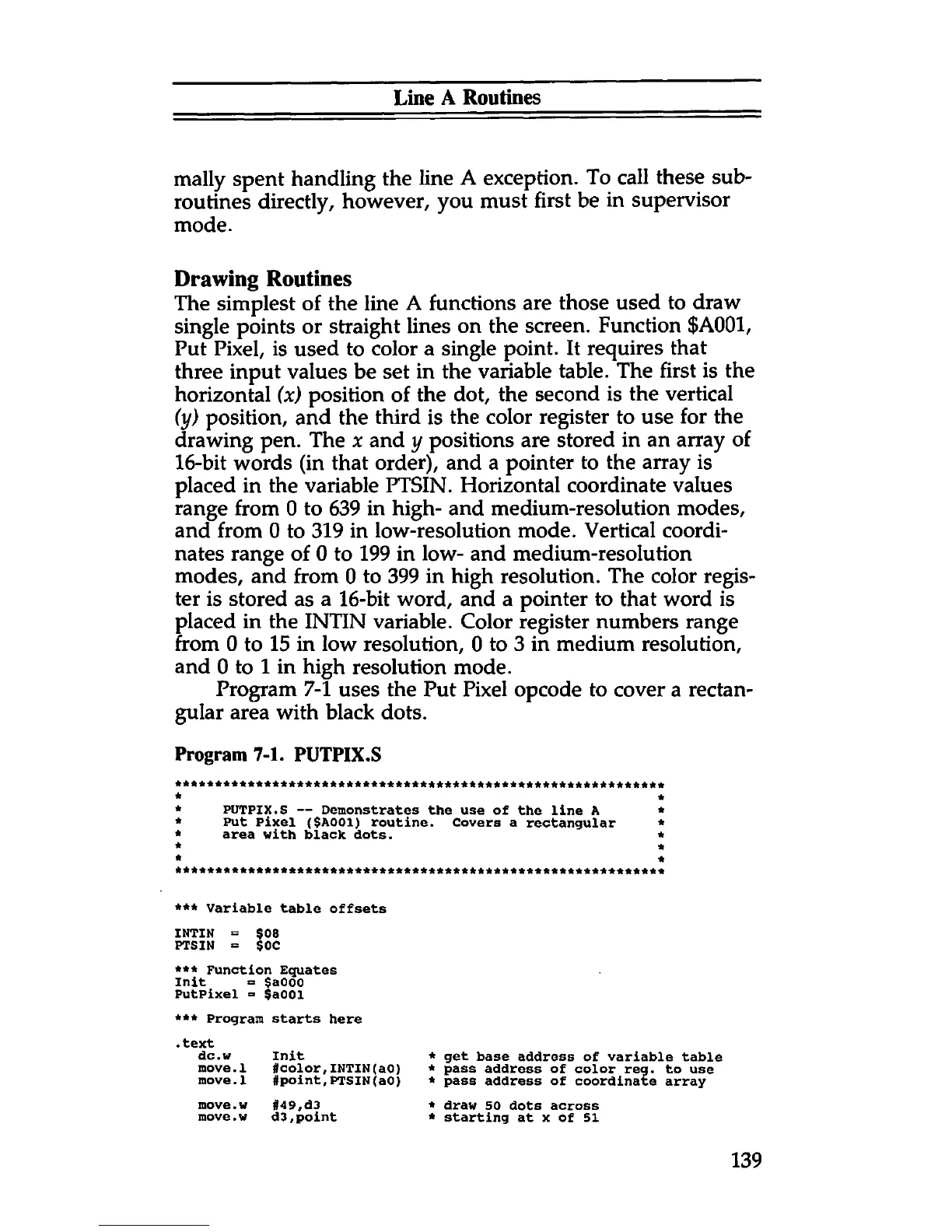
Program 7-1 uses the Put Pixel opcode to cover a rectan
gular area with black dots.
Program 7-1. PUTPIX.S
PUTPIX.S — Demonstrates the use of the line A
Put Pixel ($A001) routine. Covers a rectangular
area with black dots.
*** Variable table offsets
INTIN = $08
PTSIN = $0C
*** Function Equates
Init = $a000
PutPixel = $a001
*** Program
starts here
• text
dc. w
Init
*
move.1
#color,INTIN(ao)
*
move.1
#point,PTSIN(a0)
*
move.w #49,d3
*
move.w d3,point
*
to use
draw 50 dots across
starting at x of 51
139



 To Next Page