Line A Routines
second sprites save block. It's also a good idea to use the
XBIOS Vsync() function before drawing sprites to avoid
drawing them in the middle of a screen refresh.
The Draw Sprite function ($A00D) is used to draw a soft
ware sprite on the screen. Its inputs are all passed directly in
address and data registers. These input parameters are
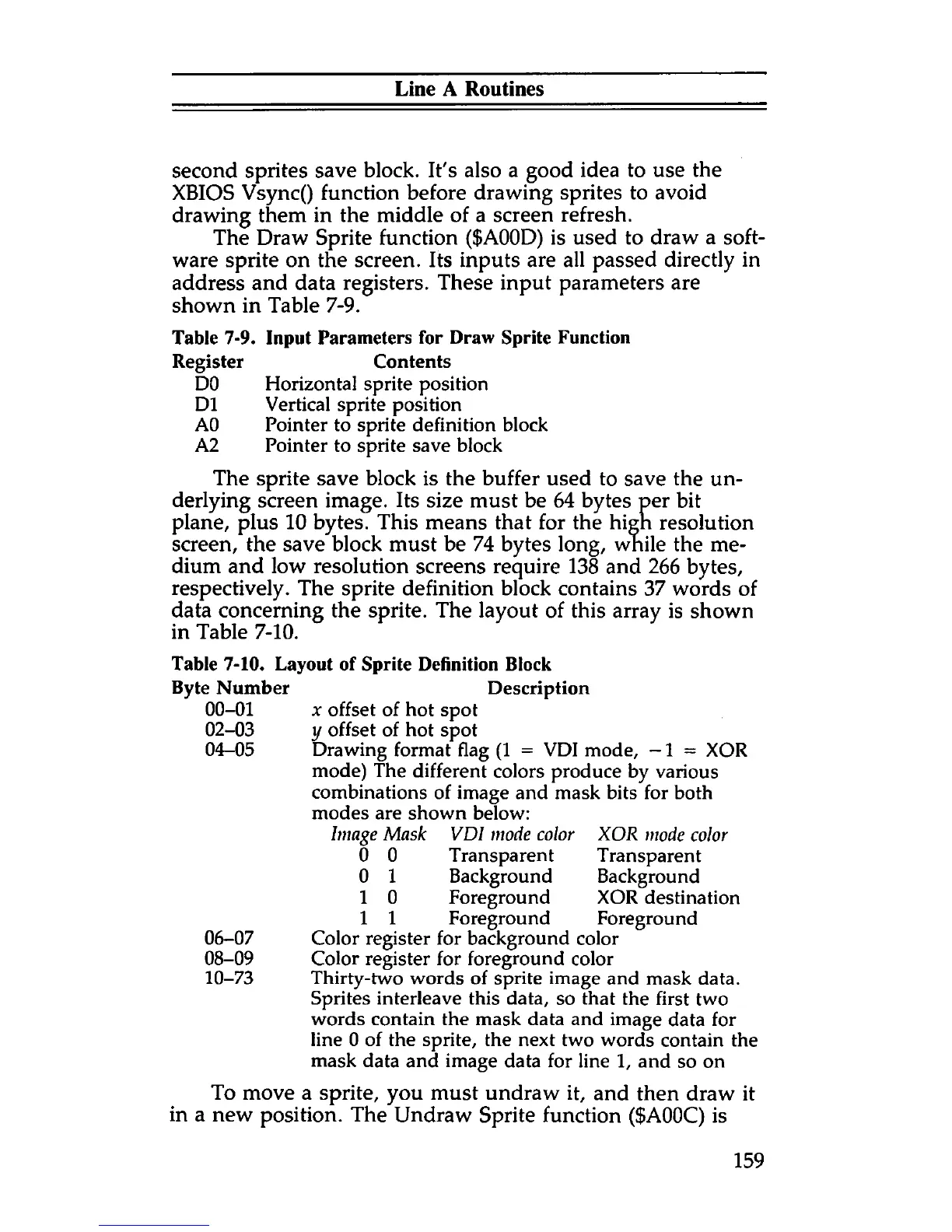
shown in Table 7-9.
Table 7-9. Input Parameters for Draw Sprite Function
Register Contents
DO Horizontal sprite position
D1 Vertical sprite position
AO Pointer to sprite definition block
A2 Pointer to sprite save block
The sprite save block is the buffer used to save the un
derlying screen image. Its size must be 64 bytes per bit
plane, plus 10 bytes. This means that for the high resolution
screen, the save block must be 74 bytes long, while the me
dium and low resolution screens require 138 and 266 bytes,
respectively. The sprite definition block contains 37 words of
data concerning the sprite. The layout of this array is shown
in Table 7-10.
Table 7-10. Layout of Sprite Definition Block
Byte Number Description
00-01 x offset of hot spot
02-03 y offset of hot spot
04-05 Drawing format flag (1 = VDI mode, -1 = XOR
mode) The different colors produce by various
combinations of image and mask bits for both
modes are shown below:
Image Mask VDI mode color
0 0 Transparent
0 1 Background
1 0 Foreground
1 1 Foreground
06-07 Color register for background color
08-09 Color register for foreground color
10-73 Thirty-two words of sprite image and mask data.
Sprites interleave this data, so that the first two
words contain the mask data and image data for
line 0 of the sprite, the next two words contain the
mask data and image data for line 1, and so on
To move a sprite, you must undraw it, and then draw it
in a new position. The Undraw Sprite function ($A00C) is
XOR mode color
Transparent
Background
XOR destination
Foreground
159



 To Next Page