XBIOS Device and System Functions
Character Device Configuration Functions
The XBIOS character functions are more device-specific than
those in the BIOS. One group of functions enables you to set
the configuration of specific devices. For example, there are
two functions that affect the performance of the console de
vice. They allow you to
• Control the screen display's cursor
• Configure the keyboard portion of the console device
First, the function that allows you to control the screen
display's cursor:
int rate, mode, newrate;
rate = Cursconf(mode, newrate);
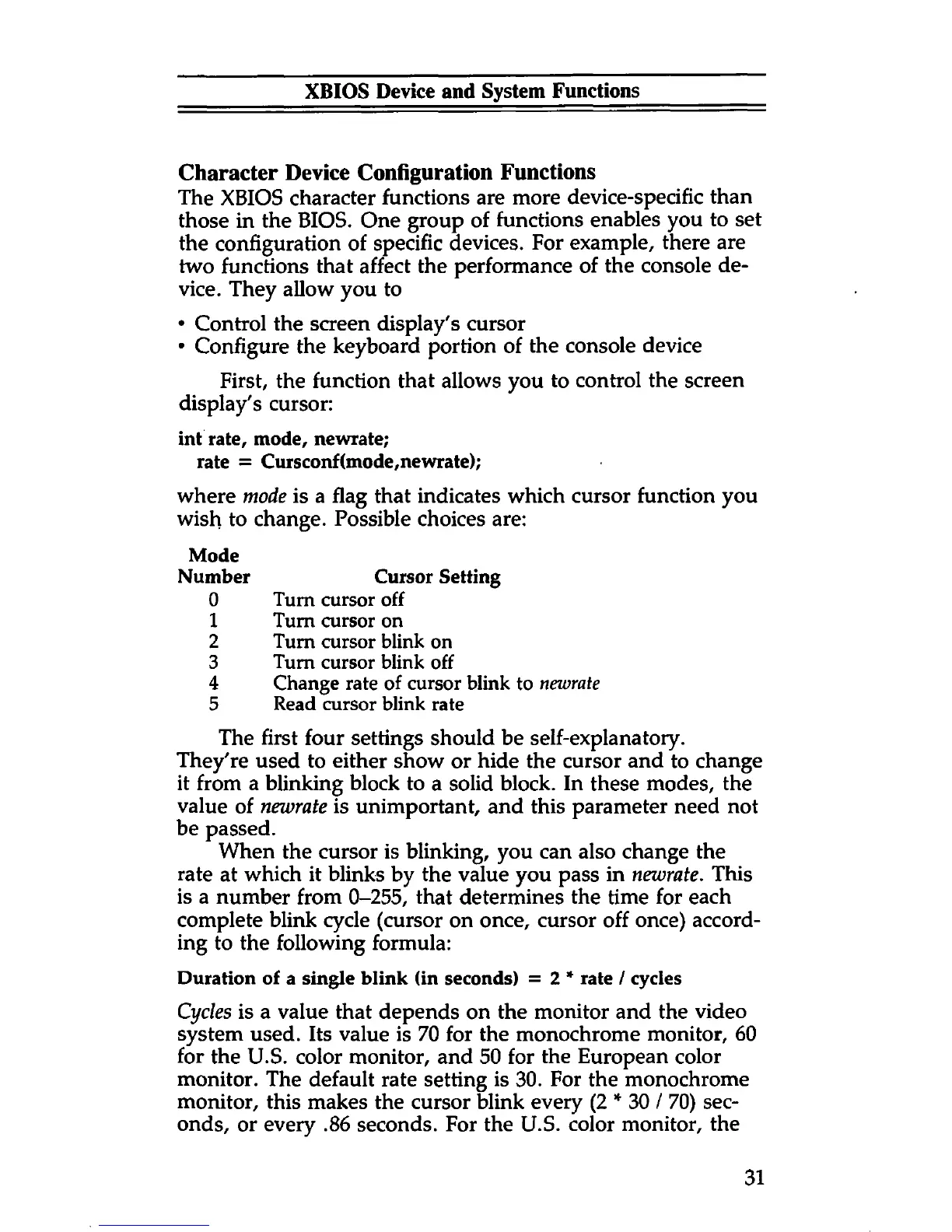
where mode is a flag that indicates which cursor function you
wish to change. Possible choices are:
The first four settings should be self-explanatory.
They're used to either show or hide the cursor and to change
it from a blinking block to a solid block. In these modes, the
value of newrate is unimportant, and this parameter need not
be passed.
When the cursor is blinking, you can also change the
rate at which it blinks by the value you pass in newrate. This
is a number from 0-255, that determines the time for each
complete blink cycle (cursor on once, cursor off once) accord
ing to the following formula:
Duration of a single blink (in seconds) = 2 * rate / cycles
Cycles is a value that depends on the monitor and the video
system used. Its value is 70 for the monochrome monitor, 60
for the U.S. color monitor, and 50 for the European color
monitor. The default rate setting is 30. For the monochrome
monitor, this makes the cursor blink every (2 * 30 / 70) sec
onds, or every .86 seconds. For the U.S. color monitor, the
Mode
Number Cursor Setting
0
1
2
3
4
5
Turn cursor off
Turn cursor on
Turn cursor blink on
Turn cursor blink off
Change rate of cursor blink to newrate
Read cursor blink rate
31



 To Next Page