EasyManua.ls Logo

ATEN KA7171 - User Manual

ATEN KA7171
30 pages
Print Icon
To Next Page IconTo Next Page
Loading...
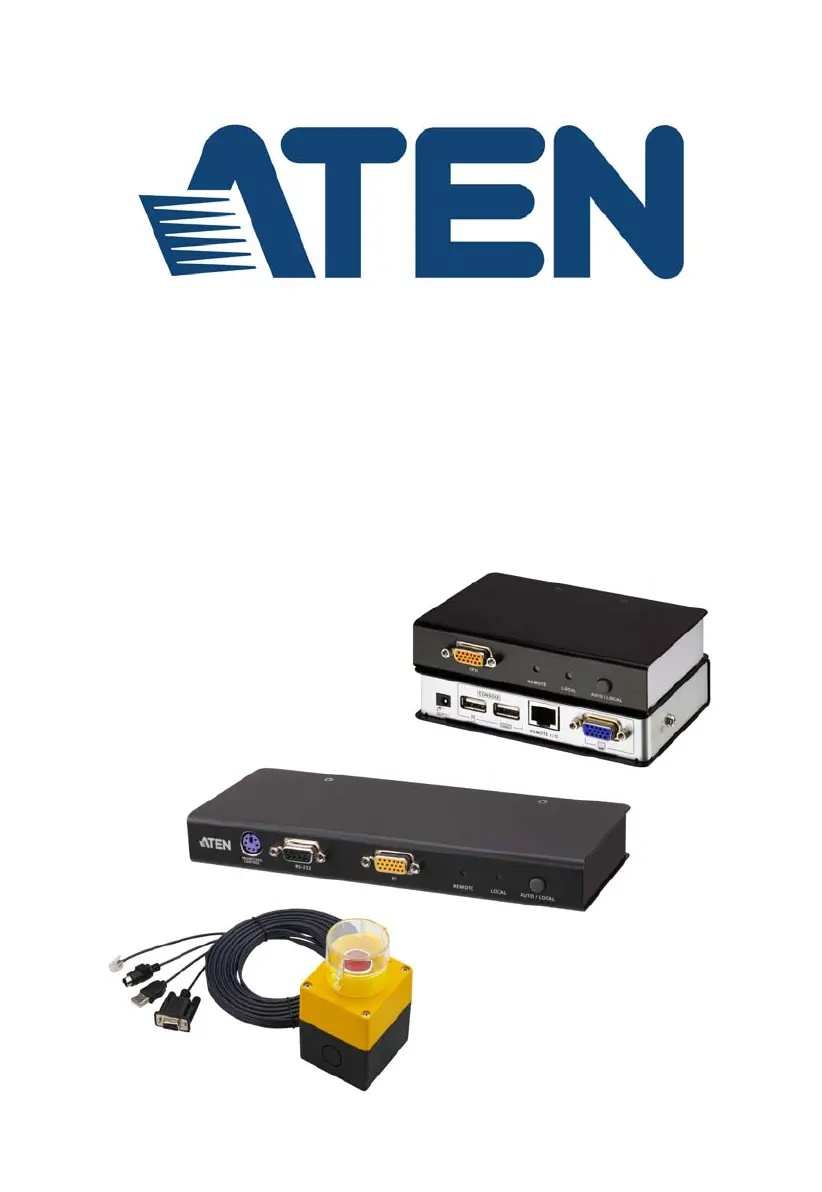
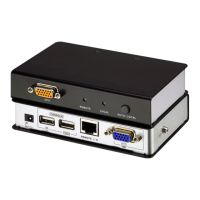
USB-PS/2 KVM Adapter Module
KA7171 / KA7171AK User Manual
www.aten.com

Other manuals for ATEN KA7171

Questions and Answers

  • C
    Caroline MartinezAug 6, 2025
    Why is my ATEN Control Unit mouse movement extremely slow?
    • C
      Crystal CarsonAug 6, 2025
      If the mouse movement is extremely slow on your ATEN Control Unit, it's likely because there is too much data being transferred for your connection to keep up with. To resolve this, lower the video quality so that less video data is transmitted.
  • S
    Sarah WatkinsAug 10, 2025
    What to do if mouse and/or keyboard are not responding on ATEN Control Unit?
    • P
      Paul FowlerAug 11, 2025
      If the mouse and/or keyboard are not responding on your ATEN Control Unit, unplug the cable(s) from the console port(s), then plug it/them back in.
  • W
    William IngramAug 14, 2025
    What to do if there are two mouse pointers after accessing the remote server on ATEN Control Unit?
    • H
      Hannah HillAug 15, 2025
      If you see two mouse pointers after accessing the remote server using your ATEN Control Unit, you can select another pointer type to resolve this.
  • D
    Deborah MartinezAug 19, 2025
    How to fix a distorted display on the client computer with ATEN Control Unit?
    • M
      millerjosephSep 12, 2025
      If the display on the client computer is distorted and performing an Autosync doesn’t resolve the problem, switch ports to a port with a different resolution, then switch back. If the above didn’t resolve the problem, change the resolution and refresh rate for the system running on the port. Afterward, you can either run at the new resolution, or switch back to the original resolution.
  • L
    llewisAug 25, 2025
    Why is there a Dual Pointer mode on ATEN Control Unit?
    • D
      donna76Aug 25, 2025
      When you are not in Mouse Sync Mode, you need the two pointers so that you know the remote server pointer is actually at the location you think it is at. Otherwise, you might perform a mouse operation and, because of net lag, the remote server pointer may not be at the location that your client computer pointer is at.
  • S
    shawn28Aug 27, 2025
    How to resolve mouse pointer confusion on ATEN Control Unit?
    • J
      Jeffrey EdwardsAug 27, 2025
      If you find the display of two mouse pointers (local and remote) to be confusing or annoying, you can use the Toggle Mouse Display function to shrink the non-functioning pointer.
  • J
    Julian NorrisSep 1, 2025
    How to fix sudden loss of network connection on ATEN Control Unit?
    • J
      James RoseSep 1, 2025
      To fix a sudden loss of network connection on your ATEN Control Unit, close your connection to the KVM over IP console station. Wait approximately 30 seconds, and log in again.

Summary

Chapter 2 Hardware Setup

Grounding

Explains how to properly ground the KA7171/KA7171AK and related equipment.

Installation

Provides step-by-step instructions and diagrams for installing the KVM adapter.

Chapter 3 Operation

Overview

Describes how the KVM over IP console station functions as a central control point.

Appendix

Safety Instructions

Provides comprehensive safety guidelines for product installation and use.

Specifications

Troubleshooting

General Operation

Provides solutions for common operational problems with the KVM over IP console station.

Mouse Problems

Offers troubleshooting steps for issues related to mouse and keyboard functionality.

Limited Warranty

ATEN KA7171 Specifications

General IconGeneral
ModelKA7171
BrandATEN
Audio SupportYes
Power DeliveryNo
Connector TypeUSB

Related product manuals