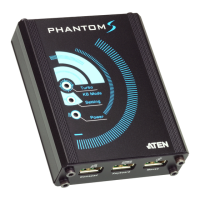
Phantom-S User Manual
74
Firmware Upgrade Recovery
There are three conditions that call for firmware upgrade recovery:
When the unit’s firmware becomes corrupted and you are unable to
operate it.
When a firmware upgrade procedure is interrupted or the Phantom-S is
unplugged.
When a firmware upgrade procedure fails.
To perform a firmware upgrade recovery, do the following:
1. Unplug the Phantom-S from the computer.
2. Use a pen or paper clip to press the Reset button on the Phantom-S.
3. With the Reset button pressed, connect the Phantom-S to the computer via
the power and PC ports.
4. Hold the Reset button for 5 seconds.
5. Double click the Firmware Upgrade Utility to run it without the Phantom-
S software.
6. Upgrade the firmware as explained in Performing the Upgrade, page 71.
7. Unplug the Phantom-S from the computer.
8. Plug the Phantom-S into the computer.



 To Next Page