EasyManua.ls Logo

ATEN VE819 - User Manual

ATEN VE819
35 pages
Print Icon
To Next Page IconTo Next Page
Loading...
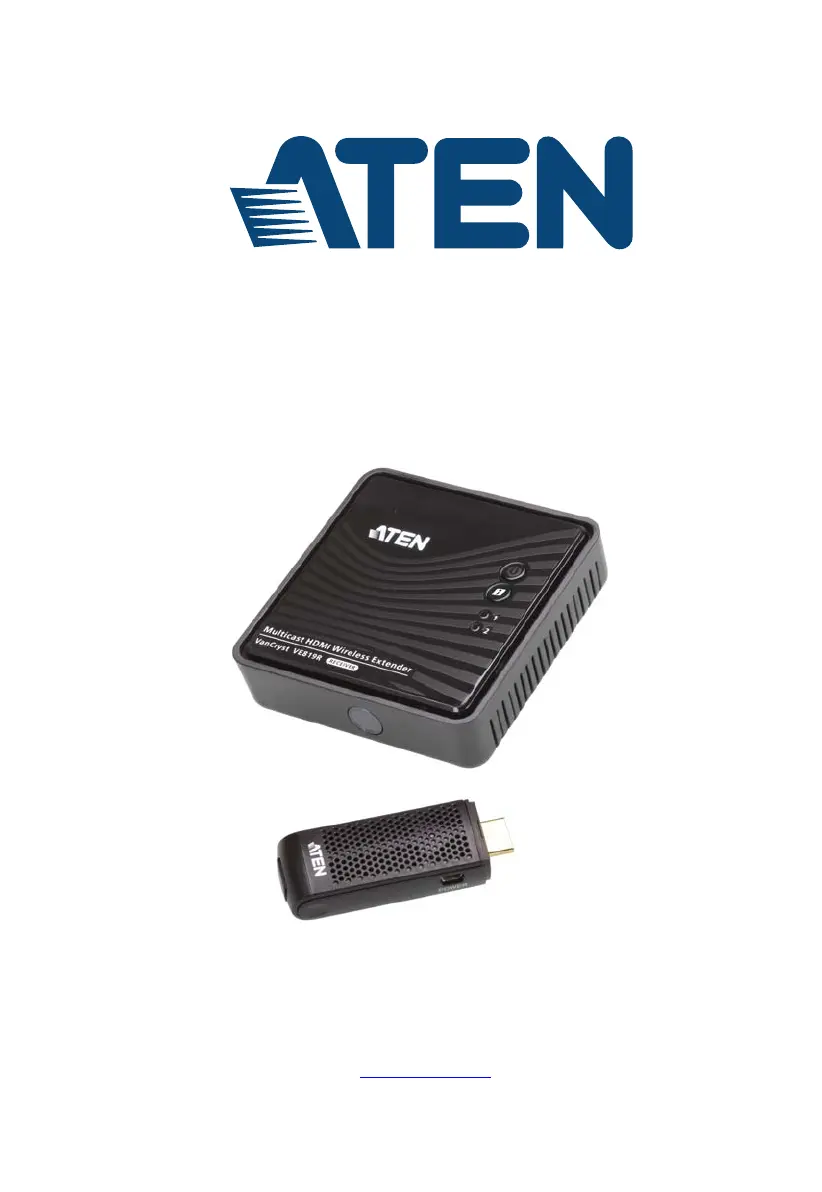
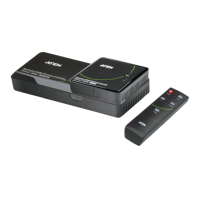
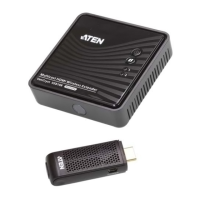
HDMI Dongle Wireless Extender
VE819
User Manual
www.aten.com

Questions and Answers

  • S
    shannon22Aug 13, 2025
    How to fix poor picture quality or intermittent video on ATEN Extender?
    • C
      Caleb WilliamsAug 14, 2025
      To resolve poor picture quality or intermittent video with your ATEN Extender, verify that the video resolution on your HDMI display is set to 1080p, 1080i, 720p, 576p, or 480p resolution. Also, ensure that the distance between the Transmitter and Receiver does not exceed 100 feet. Solid structures like walls, panels, and beams between the Transmitter and Receiver can affect signal quality, so consider installing the units with the least amount of barriers between them.
  • K
    Kelli PatelAug 18, 2025
    What to do if there is no audio from the ATEN VE819 Extender?
    • C
      craig01Aug 18, 2025
      If you're experiencing no audio with your ATEN Extender, first check that your display’s volume is not set to Mute. Next, ensure that your input source device’s audio volume has been enabled. Finally, confirm that the bit rate of audio from the source device is supported.
  • K
    Kristine GreenAug 23, 2025
    Why is the IR remote control not working with my ATEN VE819 Extender?
    • V
      Vanessa SummersAug 23, 2025
      If the IR Remote Control cannot control the input source device when using the ATEN Extender, check the location of the IR sensor on the input source device. Ensure that the IR Blaster Extender Sensor is closely aligned with the input source device’s IR sensor. You may also need to change the IR Blaster Extender frequency to meet the input source device’s requirement.
  • J
    Jesus WrightAug 28, 2025
    How to troubleshoot no 3D video output on ATEN VE819 Extender?
    • M
      Michael BoyerAug 28, 2025
      If you're not getting 3D video output with your ATEN Extender, first check that the connected HDMI displays on both the Transmitter and Receiver support 3D video format. Turn off 2D HDTV mode on your HDMI display and reboot the display. Set the input source device to 3D video format output for the 3D display. Also, check the video output setting of the input source device to ensure it supports 3D video format, and ensure the 3D format timing from the input source device is supported.
  • E
    Elizabeth WeaverSep 2, 2025
    What to do if the power LED does not light up on ATEN VE819 Extender?
    • M
      Matthew JohnsonSep 3, 2025
      Check that the power adapters of the Transmitter / Receiver are properly plugged into a functioning power outlet.
  • G
    Gene HuffmanNov 7, 2025
    Why does no video show on my ATEN VE819's HDMI display?
    • P
      Paige MorrisNov 8, 2025
      If the Power LED is blinking blue, ensure the distance between the Transmitter and Receiver does not exceed 100 feet. Try moving the Transmitter closer to the Receiver. If the Power LED is solid and the Source LED is blinking slowly, confirm that the selected video resolution and frame rate are supported. Connect the source device directly to your display to check video format compatibility and ensure the video resolution on your HDMI display is set to 1080p, 1080i, 720p, 576p, or 480p resolution. If the Power LED is solid and the Source LED is blinking quickly, check that the cables from the input source devices to the Transmitter are correctly and securely attached, and that your input source devices are powered on. Also, verify that the correct cable is connected between the Receiver an...

Summary

FCC Information

Chapter 2 Hardware Setup

Setup the Wireless HDMI Transmitter and Receiver

Step-by-step guide to connect and set up the transmitter and receiver.

Chapter 3 Basic Operation

Transmitter and Receiver Link

Details how the transmitter and receiver establish a connection.

Chapter 4 OSD Operation

OSD Main Interface

How to access and navigate the OSD main menu.

Pairing Transmitter to Receiver

Steps to re-establish connection or pair new transmitters.

Switching between Wireless HDMI Transmitters

How to select and switch between connected transmitters.

Remove Transmitter

How to remove paired transmitters from the receiver.

Chapter 5 Additional Transmitters

Adding New Transmitters

Process for adding new transmitters to the system.

Pairing Mode for Transmitters

Steps to put the transmitter into pairing mode.

Pairing Mode for the Receiver

Steps to put the receiver into pairing mode to find transmitters.

Appendix

Safety Instructions

Important safety precautions and warnings for device usage.

Troubleshooting

Solutions for common operational problems and error conditions.

ATEN VE819 Specifications

General IconGeneral
CategoryExtender
ModelVE819
TypeHDMI Extender
Input InterfaceHDMI
Output InterfaceHDMI
Max Distance100m
Power Supply5V DC
HousingMetal
Power Consumption5W
Video Input1 x HDMI Type A Female (Black)
Video Output1 x HDMI Type A Female (Black)
Transmission DistanceUp to 50m over Cat5e/6
Video Resolution4K@60Hz
ConnectorHDMI Connector
Operating Temperature0 to 40 °C
Storage Temperature-20°C to 60°C
Video ComplianceHDMI
Audio InputHDMI
Audio OutputHDMI
Humidity0 to 80% RH

Related product manuals