
 To Next Page

M
Michael MercadoAug 8, 2025
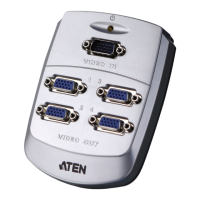
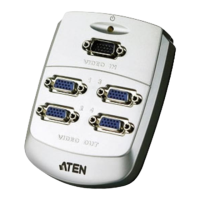
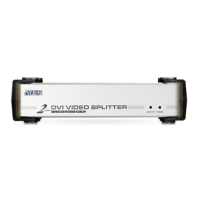
What to do if video doesn’t display on some ports of my ATEN VS162?
- DDeanna ChanAug 9, 2025
If video doesn't display on some ports of your ATEN Accessories, first ensure the DVI specifications of the source device, cable, and monitor all match, as there are three DVI standards: DVI-A, DVI-D, and DVI-I. Note that some monitors support multiple DVI signals. Also, DVI-D only supports resolutions up to 1280 x 1024. If you are using a DDC2B monitor, make sure it is connected to Port 1, as it is the only port that supports DDC2B. Ensure that the resolution of the monitor on Port 1 does not exceed the maximum resolution supported by the other monitors, and that the resolution is supported by all the other monitors. Finally, avoid mixing Apple Cinema Displays with LCD monitors; use either all Apple Cinema Displays or all LCD monitors.
 General