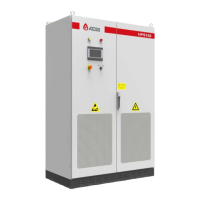
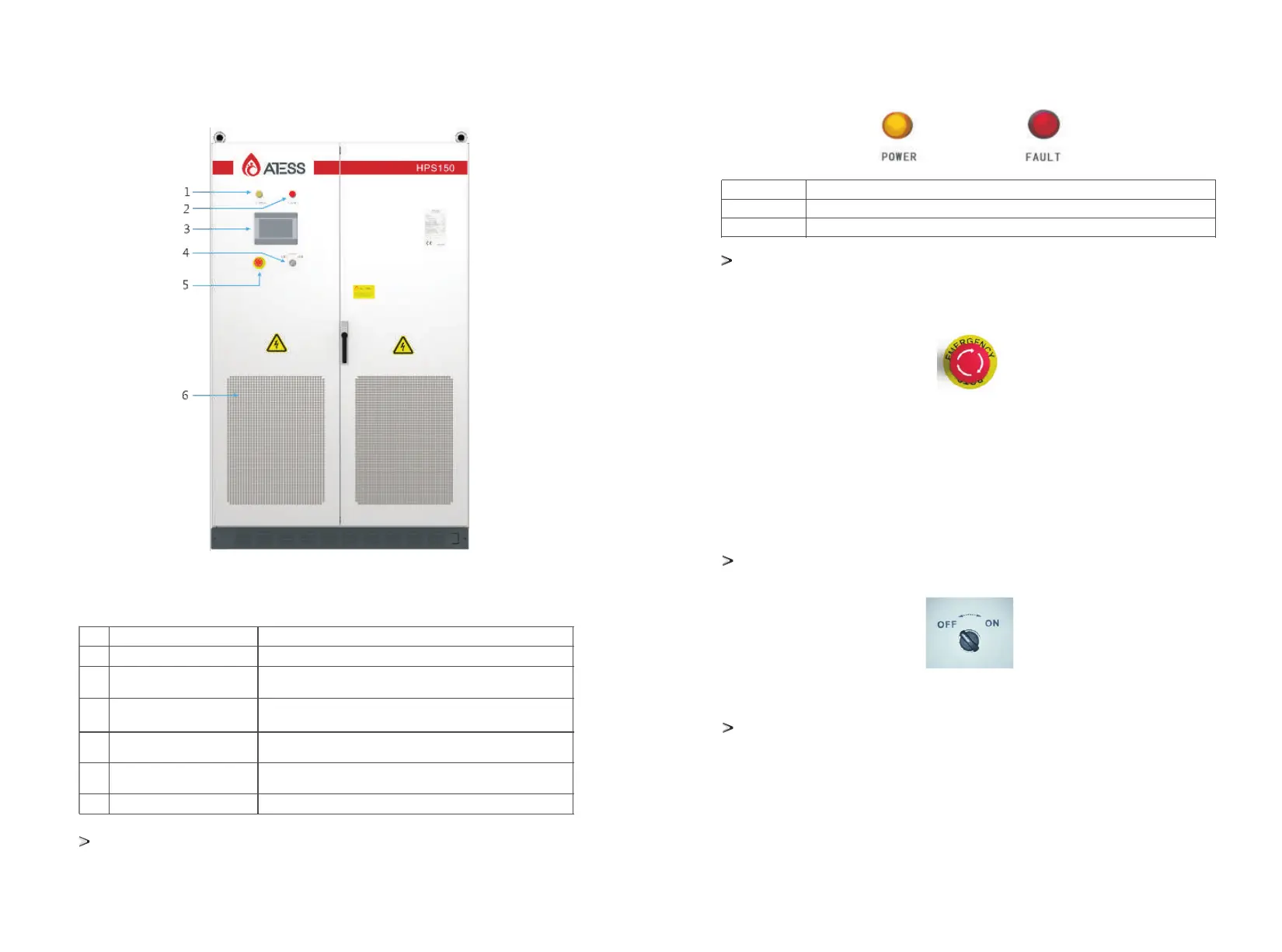
Appearance description of energy storage inverter
NO
Name
Description
1
Power indicator
FAULT
Touch Screen LCD
OFF/ON knob
EMERGENCY STOP
Dust screen
When power supply is normal, the indicator displays yellow.
When inverter is faulty, the indicator displays red.
Operation information display, receive control command and
parameters setting
Only control the grid-side switch, and does not control the
DC-side switch
Shut down the inverter when pressed down
Prevent dust from entering into the inverter
2
3
5
4
6
Part description
The energy storage controller adopts intelligent design. There are two LED indicators on the
inverter which is used to display the current status of the inverter.
LED
POWER
FAULT
Description
The indicator lights when power supply to the inverter is normal.
The indicator lights when there is failure in circuit system.
Emergency STOP
The emergency stop button is only used in case of emergency,
such as: serious failure in the grid, fire, etc.
Indicator
Emergency STOP
The emergency stop button immediately disconnects the inverter from both grid and battery,
which ensure the safety of the inverter. By pressing the emergency stop button, the device will be
locked in the "off" position. Only release the emergency
stop button by rotating it clockwise and closing AC, DC breaker, can the inverter resume working
normally.
Off-on knob
It is used to start or stop the inverter.
Off-on knob
Please read 8 "operation" for detailed switch on / off process.Section
Touch screen
3.3.2 internal component
The internal components of the energy storage inverrter include:PV circuit breaker, battery circuit
breaker, power grid circuit breaker, maintenance switch, load circuit breaker, power supply micro
break, AC lightning protection switch, PCB, etc.
It displays the inverter’s operating parameters, power generation, and faulty information record.
Please refer to Section 7 for details.
5 6


 To Next Page
 Loading...